Your product's navigation can make or break user experience. Even the most powerful features are useless if customers can't find them. Yet most navigation structures reflect internal org charts or product team thinking—not how users actually think about their tasks.
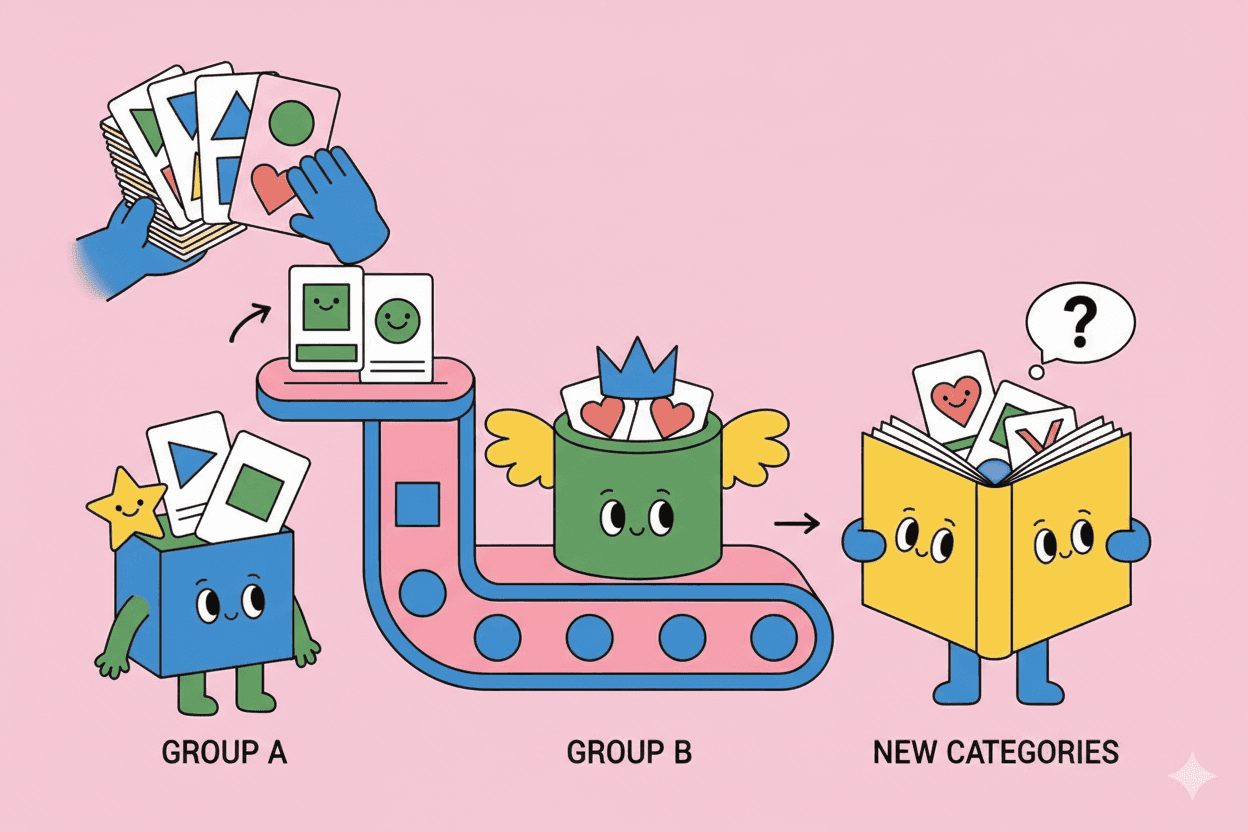
Card sorting is a user research method that reveals how your target audience naturally groups and label information. By watching where users place concepts, you can build navigation and information architecture that matches their mental models instead of forcing them to learn yours.
This guide shows you how to run card sorting studies that lead to intuitive, user-friendly product organization.
What is Card Sorting?
Definition: A research method where participants organize topics or features into categories that make sense to them, often also naming those categories.
The core insight: Users' natural groupings reveal their mental models—how they conceptually organize information in their minds.
History: Originally done with physical index cards on tables. Now mostly digital, but the core methodology remains.
Why Card Sorting Works
Users think differently than builders:
Product team perspective: Organizes by technical architecture, team structure, or development phases
- "Settings" contains account, billing, integrations, preferences
- Features grouped by underlying data model
- Navigation mirrors internal departments
User perspective: Organizes by goals, tasks, and workflows
- "Getting started" includes setup wizard, templates, first project
- Features grouped by what they help accomplish
- Navigation mirrors their work process
Card sorting bridges this gap by forcing you to see through users' eyes.
Types of Card Sorting
1. Open Card Sort (Exploratory)
What it is: Participants create their own categories and labels
Process:
- Give users cards with topics/features
- Users group cards however makes sense to them
- Users name each group they created
- Analyze common grouping patterns
Best for:
- Early IA development
- Discovery of user mental models
- When you don't have preconceived categories
- Understanding terminology users naturally use
Example: "Here are 40 features. Group them in ways that make sense to you, then name each group."
Output:
- Natural groupings users create
- Labels users assign
- Patterns across multiple participants
2. Closed Card Sort (Validating)
What it is: Participants sort cards into predefined categories
Process:
- Give users cards with topics/features
- Provide fixed category names
- Users sort cards into provided categories
- Analyze agreement rates and disagreements
Best for:
- Validating proposed IA
- Testing whether categories make sense
- Comparing design alternatives
- When category structure is mostly defined
Example: "Here are 40 features and 5 categories (Projects, Team, Reports, Settings, Admin). Put each feature in the category where you'd expect to find it."
Output:
- Agreement percentage for each card
- Misplaced cards (low agreement)
- Categories that are unclear or overcrowded
3. Hybrid Card Sort
What it is: Participants sort into predefined categories AND can create new ones
Process:
- Provide starting categories
- Users can use provided categories or create new ones
- Users can rename existing categories
- Analyze which provided categories work vs. which users changed
Best for:
- Refining partially developed IA
- Testing hypotheses while staying open to surprises
- When you have ideas but want validation
Example: "Here are 5 categories we're considering. Sort features into these, but if something doesn't fit, create a new category."
Output:
- Validation of proposed categories
- Newly suggested categories
- Renamed categories (better labels)
4. Tree Testing (Reverse Card Sort)
What it is: Testing whether users can find specific items in your proposed navigation
Process:
- Show users your navigation structure (text-only)
- Give users tasks: "Where would you find X?"
- Users click through tree to find item
- Analyze success rates, time, paths taken
Best for:
- Validating completed IA before implementing
- Identifying findability problems
- A/B testing navigation structures
Note: Often done after card sorting to validate the resulting structure
How to Run a Card Sorting Study
Step 1: Define Your Goals
What decisions will this inform?
Examples:
- "How should we organize our settings menu?"
- "What categories should our knowledge base use?"
- "How do users think about our features?"
- "What should our main navigation be?"
Define scope:
- Which product area? (Full product vs. specific section)
- How many items to sort? (20-60 is typical sweet spot)
- Open, closed, or hybrid?
Step 2: Prepare Your Cards
Card content: Each card represents one concept, feature, or piece of content
Good cards:
- Clear, specific labels
- User-facing language (not internal jargon)
- Similar level of specificity (don't mix high-level and granular)
- Independent items (not overlapping)
Example transformation:
❌ Bad cards:
- "Data management"
- "Settings"
- "The thing where you export stuff"
- "User provisioning interface"
✅ Good cards:
- "Export to CSV"
- "Export to PDF"
- "Export to Excel"
- "Invite team members"
- "Remove team members"
- "Change user permissions"
How many cards?
- Minimum: 30 (enough to create meaningful groups)
- Sweet spot: 40-60 (substantial without overwhelming)
- Maximum: 80 (beyond this, fatigue sets in)
Card selection: Include:
- Core features
- Common tasks
- Settings and configuration
- Content types
- Edge cases that often get lost
Test your cards: Do a pilot with 2-3 people—are cards clear? Any confusion about what they mean?
Step 3: Choose Your Tool
Digital tools:
Optimal Workshop (OptimalSort):
- Purpose-built for card sorting
- Open, closed, and hybrid
- Excellent analysis tools
- Heatmaps and dendrograms
- Best for: Professional research teams
UsabilityHub (Chalkmark):
- Simple, affordable
- Good for basics
- Best for: Budget-conscious teams
UXtweak:
- Comprehensive UX research platform
- Card sorting + tree testing
- Best for: Teams doing multiple research types
Spreadsheet-based (DIY):
- Participants drag/paste in Google Sheets or similar
- Best for: Very small studies, budget = $0
- Con: Harder to analyze
Physical cards:
- Actual index cards on table
- In-person only
- Best for: Workshop settings, stakeholder alignment exercises
Recommendation: Start with Optimal Workshop 30-day trial or UsabilityHub for budget option
Step 4: Recruit Participants
Sample size:
Open card sort: 15-30 participants
- Need more because individual variance is high
- Look for patterns across participants
Closed card sort: 30-50 participants
- Can analyze statistically
- Quantitative agreement rates
Who to recruit:
- Match target user personas
- Mix of experience levels (new vs. power users often think differently)
- Representative of actual user base
Where to recruit:
- Existing customers (email invitation)
- User research panels (UserTesting, Respondent)
- Social media and communities
- Screener survey on website
Compensation: $15-30 for 20-30 minute session
Step 5: Run the Study
Instructions to participants:
Open sort: "Group these items in ways that make sense to you. You can create as many or as few groups as you like. Name each group to describe what's in it."
Closed sort: "Put each item in the category where you'd expect to find it. If you're unsure, put it where you'd look first."
Additional guidance:
- No right or wrong answers
- Go with your gut
- Think about your typical workflow
- Take as much time as you need
Typical duration: 15-30 minutes depending on number of cards
Monitor:
- Check for technical issues
- Ensure participants are engaging thoughtfully
- Note any confusion in card labels
Step 6: Analyze Results
For Open Card Sorts:
1. Create similarity matrix: Calculate how often each pair of cards was grouped together
2. Cluster analysis: Identify natural groupings based on similarity
3. Dendrogram visualization: Tree diagram showing how cards cluster
4. Category analysis: What categories did participants create?
- Most common category names
- How many categories (typically 5-10)
- Which cards clustered consistently
5. Outliers: Cards that were grouped inconsistently—may need clearer labeling or don't fit naturally
For Closed Card Sorts:
1. Agreement rate: What % of participants put each card in the same category?
High agreement (80%+): Card belongs in that category Medium agreement (50-79%): Some confusion—consider alternatives Low agreement (<50%): Card placement is unclear—needs attention
2. Popularity matrix: Heatmap showing which cards were placed in which categories
3. Category health:
- Are some categories overcrowded?
- Are some categories too sparse?
- Do any cards consistently end up in "wrong" category?
4. Misplaced cards: Items with low agreement—investigate why users are confused
Tools automate much of this: Optimal Workshop generates dendrograms, similarity matrices, and agreement tables automatically
Step 7: Synthesize Findings
Extract insights:
Validated groupings: "Users consistently group export features together (87% agreement)—create 'Export' section"
Surprising groupings: "Users grouped 'billing' with 'usage analytics,' not 'settings'—they think about cost in context of usage"
Terminology insights: "Participants named the group 'Team' not 'Users'—adopt that language"
Split features: "'Reports' feature was placed in multiple categories—may need to split into dashboard widgets vs. downloadable reports"
Create IA recommendations:
Before card sort:
Settings
├─ Account
├─ Billing
├─ Integrations
├─ Preferences
├─ Users
└─ Security
After card sort insights:
Account
├─ Profile
├─ Billing & Usage
└─ Security

Team
├─ Members
├─ Permissions
└─ Departments

Integrations
├─ Connect Apps
├─ API Settings
└─ Webhooks

Preferences
├─ Notifications
├─ Display
└─ Workflow Defaults
Advanced Card Sorting Techniques
Remote vs. Moderated
Remote (unmoderated):
- Participants complete on their own time
- Larger sample size possible
- Can't ask follow-up questions
- Best for: Quantitative validation
Moderated:
- Researcher present (in-person or video)
- Can ask "why did you group these together?"
- Smaller sample size
- Best for: Deep understanding, early exploration
Hybrid approach: Remote card sort + follow-up interviews with subset of participants
Reverse Card Sorting
Instead of organizing features, participants organize tasks/goals, then map features to them
Process:
- Card sort user goals ("Complete quarterly report," "Share findings with team")
- Then map features to each goal cluster
Insight: Reveals which features support which workflows
Category Naming Exercise
After card sorting, ask participants: "If you could rename any of these categories to make them clearer, what would you call them?"
Reveals: Better terminology for your users
Comparative Card Sorting
Run card sort with two user segments, compare:
- Do enterprise vs. SMB users organize differently?
- Do new vs. experienced users think differently?
Design implication: May need different IA for different segments (role-based navigation)
Common Card Sorting Mistakes
1. Too few participants: 5 participants isn't enough for card sorting—you need 15+ to see patterns
2. Bad card labels: Using internal jargon or vague labels confuses participants
3. Too many/too few cards: 100 cards = exhaustion; 10 cards = not enough to organize meaningfully
4. Wrong level of granularity: Mixing "Settings" (high-level) with "Change password" (specific) in same sort
5. Ignoring results: Running card sort then ignoring findings because they conflict with your preferred design
6. Only testing one approach: Running open OR closed but not both—miss opportunity to explore AND validate
7. No follow-up validation: Card sorting designs should be validated with tree testing or usability testing
From Card Sort to Navigation Design
Process:
- Card sort (exploratory) → Understand natural groupings
- Propose navigation structure based on findings
- Card sort (closed) → Validate proposed structure
- Tree testing → Test findability in proposed navigation
- Usability testing → Test full navigation in context
- Launch + analytics → Monitor real-world findability
Iterate: IA is never done—revisit as product grows and user needs evolve
Card Sorting for Non-Navigation Use Cases
Card sorting isn't just for navigation:
Feature prioritization: Have users sort features by "Must have" vs. "Nice to have"
Content organization: Organize knowledge base or documentation
Workflow mapping: Sort tasks into workflow stages
Tagging systems: Develop taxonomy for filtering/search
Dashboard organization: Group widgets and data visualizations
Email/notification preferences: Organize notification settings meaningfully
Build Intuitive Information Architecture
Card sorting removes guesswork from IA design. Instead of debating which structure is "better," you can base decisions on how your actual users naturally organize information.
Ready to make navigation decisions with confidence? Pelin.ai helps you organize customer insights alongside usage analytics to inform IA decisions with both qualitative and quantitative data.
Request Free Trial and build navigation that matches user mental models.