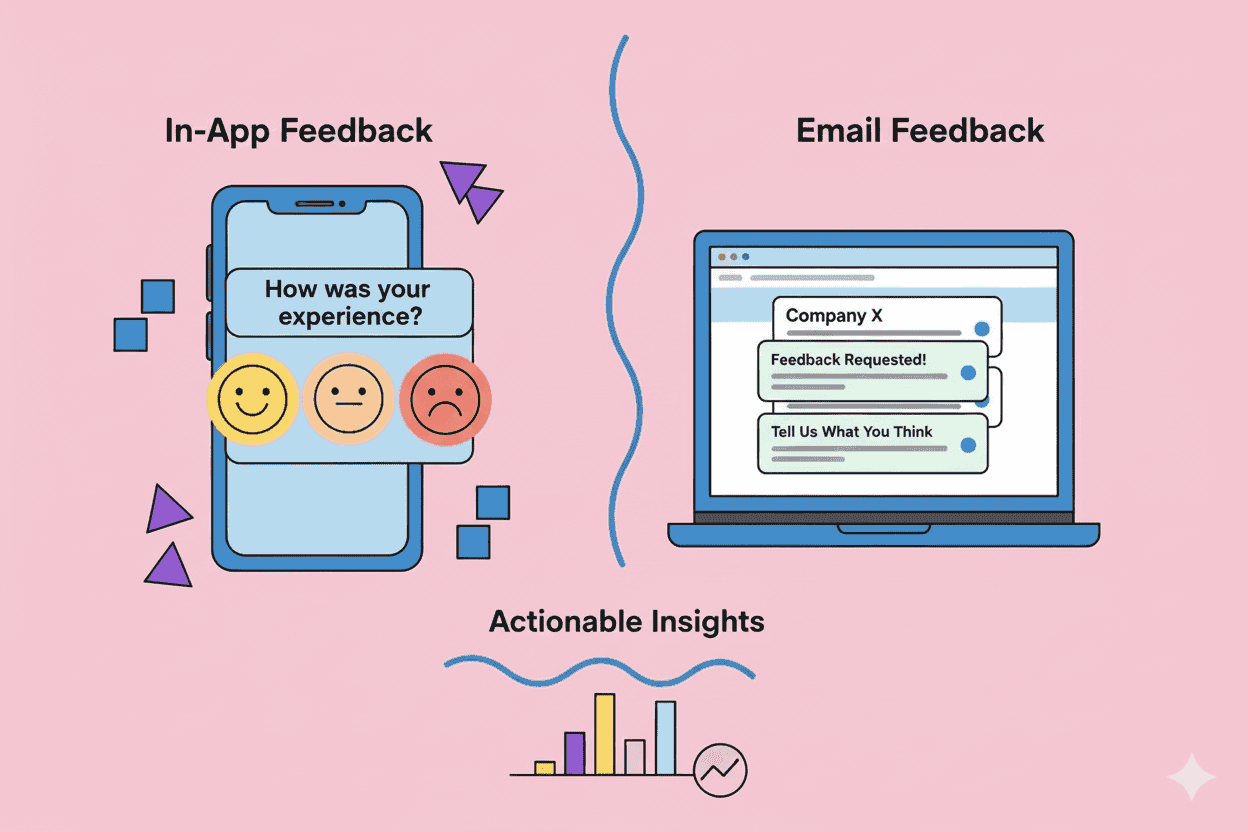
You've built something new. You need feedback. Do you trigger a quick survey inside your app, or send an email to your customer list?
This question haunts product teams more than it should. The answer isn't "one is always better." It's about understanding when each channel shines—and when it falls flat.
TL;DR
- In-app surveys get 20-35% response rates; email surveys get 15-25% (embedded) or 6-15% (linked). Channel benchmarks from industry research confirm this consistently.
- In-app wins for contextual, feature-specific feedback collected in the moment
- Email wins for relationship-level feedback and reaching churned/inactive users
- The best teams use both strategically—not one or the other
- Survey timing matters more than most teams realize
The Response Rate Reality
Let's start with numbers, because vibes don't scale.
According to 2024-2025 benchmark studies from Refiner, CustomerGauge, and SurveySparrow:
| Channel | Response Rate | Best For |
|---|---|---|
| In-app (mobile) | 27-36% | Feature feedback, UX research |
| In-app (web) | 20-27% | SaaS product feedback |
| Email (embedded) | 15-25% | Relationship NPS, B2B |
| Email (linked) | 6-15% | Multi-question surveys |
The gap is significant. In-app surveys routinely outperform email by 10+ percentage points. But response rate isn't everything.
When In-App Surveys Win
In-app surveys capture feedback at the moment of truth. The customer just used a feature, completed a task, or hit a friction point. Their experience is fresh.
Contextual Accuracy
When you ask someone about a feature they used 30 seconds ago, you get accurate feedback. When you email them three days later asking "How was your experience with Feature X?"—they've already forgotten half of it and reconstructed a memory that may not match reality.
Braze's research on in-app surveys shows that contextual timing dramatically improves feedback quality. Users can point to specific pain points because they just experienced them.
Higher Completion Rates
In-app surveys meet users where they already are. No context switching. No opening a new tab. No finding the email among 47 others.
Refiner's analysis of 1,382 surveys with over 5 million views found mobile app surveys average 36.14% response rates, while web app surveys hit 26.48%. Both significantly outpace email.
Better for Feature-Specific Feedback
Shipped a new dashboard? Trigger a two-question survey after someone uses it three times. You'll learn more from those responses than a quarterly NPS email ever tells you.
In-app surveys let you segment by behavior: show surveys only to users who've actually used the feature you're asking about. Email surveys can't do this—they blast everyone regardless of actual product usage.
When Email Surveys Win
Email isn't dead for feedback collection. It serves different purposes—and sometimes it's the only option.
Reaching Inactive Users
Your churned customers aren't logging in. Your at-risk users with declining usage aren't in your app. If you only run in-app surveys, you're only hearing from people who are already engaged.
Email reaches the silent majority. The users who stopped showing up. The customers thinking about canceling. Sometimes the most valuable feedback comes from people who've already left.
Relationship-Level Insights
Quarterly NPS, annual satisfaction surveys, relationship health checks—these work better over email. They're not tied to a specific feature or moment. They measure the overall relationship.
Asking "How likely are you to recommend us?" inside your app while someone is actively using it biases toward higher scores. The same question over email—without the product literally in front of them—captures more honest sentiment.
More Thoughtful Responses
Email surveys give customers time. They can read the question, think, close it, come back later. In-app surveys create urgency—which is good for completion rates but can sacrifice depth.
If you need detailed qualitative feedback or multi-question surveys, email performs better. SurveySparrow's benchmarks show that linked email surveys with multi-question formats still achieve 6-15% completion when the questions are valuable enough.
The Timing Factor Most Teams Ignore
Whether you choose in-app or email, timing is the multiplier.
Research shows surveys sent within 2 hours of an event get 32% more completions than surveys sent later. This applies to both channels:
In-app timing:
- After completing a task (not during)
- After 3-5 sessions with a new feature (not the first time)
- After onboarding completion (not mid-onboarding)
Email timing:
- Within 24-48 hours of the experience you're asking about
- Not during obvious busy periods (Monday 9am, Friday 5pm)
- After positive interactions (support resolution, successful upgrade)
Trigger events beat scheduled sends. "Send NPS every 90 days" loses to "Send NPS after the 5th successful project completion."
The Strategic Approach: Use Both
The best product teams don't pick one channel. They build a feedback system that uses each where it's strongest.
In-App Survey Triggers
- After feature adoption: User completes a workflow 3+ times → "How's this feature working for you?"
- Friction detection: User rage-clicks or abandons a flow → "What went wrong?"
- Post-value moments: User achieves a key outcome → "Was this easier than expected?"
- NPS for active users: Monthly pulse for engaged segments
Email Survey Triggers
- Relationship NPS: Quarterly health check for all customers
- Churn feedback: Exit survey when subscription cancels
- Win-back insights: Survey lapsed users about why they left
- Annual deep-dive: Comprehensive product satisfaction review
Avoid Survey Fatigue
The biggest mistake teams make: surveying the same users constantly through both channels.
Track survey exposure at the user level. Cap how often any single user sees a survey—regardless of channel. UserGuiding's research on in-app feedback best practices recommends spreading questions across multiple visits rather than asking everything at once.
What About SMS?
SMS surveys achieve 40-50% response rates—the highest of any channel. But they come with caveats:
- Users must opt-in (compliance matters)
- Limited to simple, short surveys
- Cost per response is higher
- Works best for transactional feedback
If you have mobile numbers and clear consent, SMS is powerful for time-sensitive feedback. But for most product teams, in-app and email cover 90% of use cases.
Converting Feedback Into Action
Here's the uncomfortable truth: response rates don't matter if feedback dies in a spreadsheet.
The real challenge isn't collecting feedback—it's synthesizing hundreds of responses into actionable product decisions. Both in-app and email surveys can generate overwhelming volumes of qualitative data.
This is where AI-powered tools like Pelin come in. Instead of manually coding responses or hoping someone reads through every comment, you can automatically extract themes, track sentiment trends, and connect feedback to feature priorities.
The channel you use to collect feedback matters. What you do with that feedback matters more.
Key Takeaways
-
Default to in-app for feature feedback. Higher response rates, better context, more actionable insights.
-
Use email for relationship surveys and reaching inactive users. Some feedback only comes from people who aren't in your product.
-
Time your surveys to the experience. 2 hours beats 2 days beats 2 weeks.
-
Track survey exposure per user. Nobody should see 5 surveys in a week, regardless of channel.
-
Build a system, not a one-off. The best feedback programs use multiple channels strategically.
The debate isn't really in-app vs email. It's whether you have a coherent system for understanding what customers actually need—and whether you're turning that understanding into better product decisions.
Start with one channel, do it well, then expand. The worst outcome isn't picking the "wrong" channel. It's not asking at all.