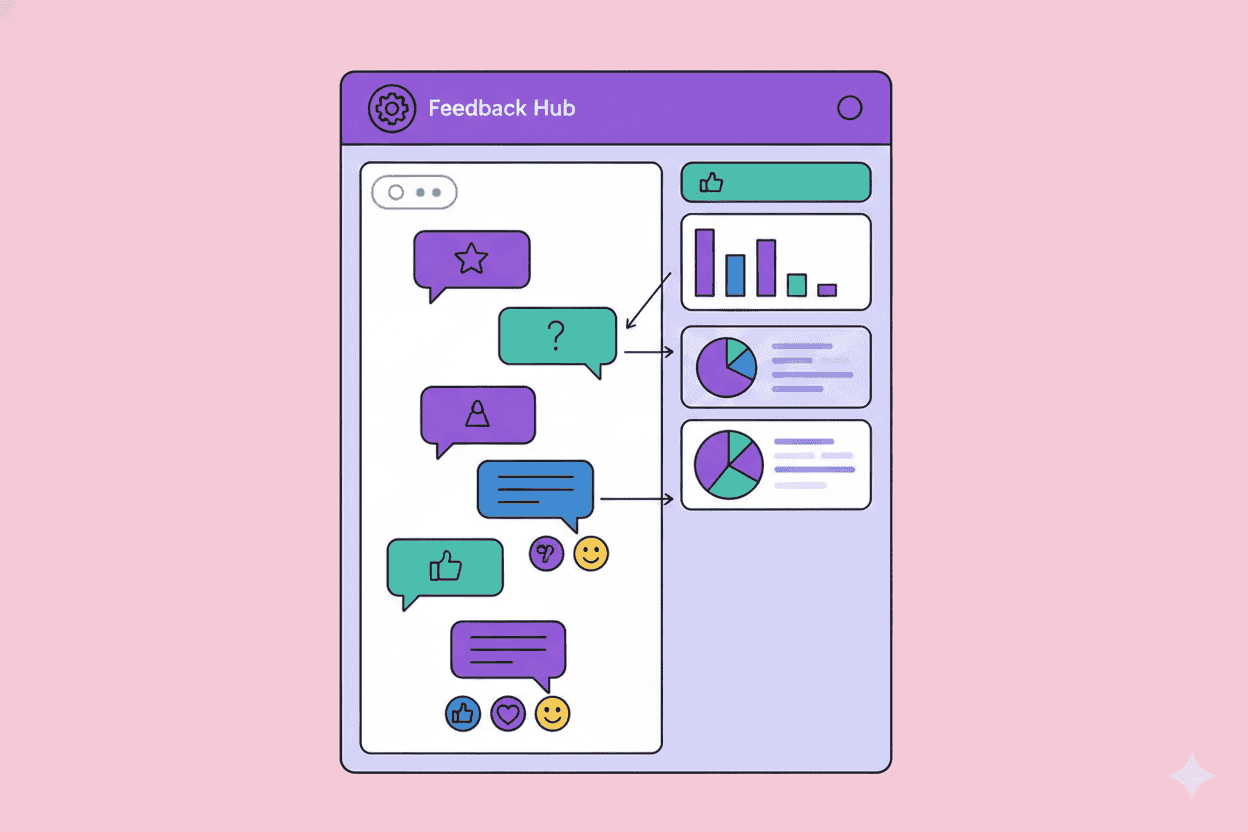
Every product team has tried it. Create a #customer-feedback channel, tell everyone to share what they hear, and wait for the insights to flow. Three months later, the channel is either a graveyard or so noisy that nobody reads it.
Sound familiar?
The concept is solid—centralize customer feedback where your whole team can see it. But the execution usually fails. According to Salesforce's State of the Connected Customer report, 73% of customers expect companies to understand their unique needs and expectations. Yet most organizations struggle to even surface customer feedback consistently across teams.
This guide will show you how to build a customer feedback Slack channel that people actually use and that generates actionable insights.
Why Most Customer Feedback Slack Channels Fail
Before diving into best practices, let's diagnose the common failure modes:
The Noise Problem
Without structure, your feedback channel becomes a dumping ground. Sales posts a feature request. Support shares a complaint. Marketing drops a review. Nobody knows what's important, so everyone stops reading.
The Format Problem
"Customer said they want better reporting" tells you almost nothing. Was this a churning enterprise customer or a free trial user exploring alternatives? Context matters, but most feedback posts lack it.
The Follow-Up Problem
Feedback goes in, nothing comes out. When people never see their contributions lead to action, they stop contributing. Research from Gartner shows that organizations with closed-loop feedback processes see 25-40% higher customer retention rates.
The Ownership Problem
If everyone owns the channel, nobody owns the channel. Who triages feedback? Who follows up? Who reports on trends? Without clear ownership, accountability disappears.
Setting Up Your Feedback Channel: The Foundation
Choose the Right Channel Structure
Don't create just one channel. Consider a tiered approach:
#customer-feedback-firehose — Raw, unfiltered feedback from all sources. High volume, useful for qualitative research.
#customer-feedback-highlights — Curated insights with context. This is where most team members should focus.
#customer-feedback-urgent — Critical issues requiring immediate attention. Keep the bar high.
This structure prevents the "everything is equally important" problem that kills engagement.
Define Your Feedback Template
Standardization is everything. Create a simple template that captures essential context:
🗣️ *Feedback Type:* [Feature Request / Bug / Complaint / Praise / Churn Risk]
👤 *Customer:* [Name, Company, Tier]
💰 *ARR/MRR:* [Revenue impact]
📍 *Source:* [Call, Support Ticket, Survey, etc.]
📝 *Verbatim Quote:* "..."
🎯 *Related Feature/Area:* [Product area]
💡 *Your Interpretation:* [What do you think this means?]
The verbatim quote is crucial. According to Nielsen Norman Group research, customers often say one thing but mean another. Having the exact words helps product teams make their own interpretations.
Set Clear Posting Guidelines
Post these in the channel description:
- Include customer tier and revenue context
- Use the feedback template
- Don't editorialize excessively—let the feedback speak
- Flag truly urgent items in #customer-feedback-urgent only
- Emoji reactions are encouraged (👀 = reviewing, ✅ = addressed, 🎯 = roadmap)
Automating Feedback Flow Into Slack
Manual posting doesn't scale. Here's how to automate intelligently:
Connect Your Support Tools
Integrate Zendesk, Intercom, or Help Scout to automatically surface:
- Tickets with negative sentiment scores
- Tickets mentioning competitors
- Tickets from high-value accounts
- Tickets tagged with specific product areas
Use Slack's workflow builder or tools like Zapier to filter before posting. You don't want every ticket—you want signal.
Pull From Survey Responses
NPS detractors and open-ended responses deserve visibility. Bain & Company's research shows that companies that act quickly on NPS feedback see 2x the revenue growth of competitors.
Set up automations to post:
- All NPS responses below 7
- Any response containing keywords you're tracking
- All responses from enterprise accounts
Surface Sales Call Insights
This is where gold hides. Tools like Gong and Chorus can automatically flag:
- Competitor mentions
- Feature requests
- Objections during sales calls
- Churn reasons from lost deal calls
Configure these to post summaries to your feedback channel with links to full recordings.
Monitor Social and Reviews
G2, Capterra, Twitter mentions, and LinkedIn comments contain unfiltered feedback. Use social listening tools to surface:
- New reviews (especially negative ones)
- Direct mentions of your product
- Comparisons with competitors
Making Feedback Actionable: The Triage System
Collecting feedback means nothing if you don't act on it.
Assign a Weekly Feedback Owner
Rotate ownership weekly. The feedback owner is responsible for:
- Reviewing all feedback posted that week
- Adding emoji reactions for status (👀 reviewing, 🎯 roadmap, 📋 backlog)
- Summarizing key themes in a weekly digest
- Escalating urgent issues
This ensures accountability without overloading any single person.
Create Feedback Digests
Every Monday, post a digest to #customer-feedback-highlights:
📊 *Last Week's Feedback Summary*

*Volume:* 47 items posted
*Top Themes:*
1. Reporting speed (12 mentions)
2. Mobile app crashes (8 mentions)
3. Pricing confusion (6 mentions)

*Notable Quotes:*
- "I'd pay double if reporting was faster" — Enterprise Customer
- "Your mobile app crashes every time I..." — Churned User

*Actions Taken:*
- Reporting performance added to Q2 roadmap
- Mobile crash bug escalated to engineering
This closes the loop and shows the team their contributions matter.
Link Feedback to Your Product Tools
Don't let insights die in Slack. Create workflows to push feedback into:
- Jira/Linear — Tag with customer feedback source
- Productboard/Aha — Link verbatim quotes to features
- Your research repository — Dovetail, Notion, or similar
The goal is traceability. When someone asks "why are we building this?", you should be able to point to specific customer feedback.
Common Pitfalls and How to Avoid Them
Pitfall: Only Negative Feedback Gets Posted
Solution: Actively encourage positive feedback. Create a monthly "customer love" thread. Celebrate wins. Harvard Business Review research shows that organizations that balance negative and positive feedback create more accurate customer understanding.
Pitfall: Same Voices Dominate
Solution: Actively solicit feedback from quieter teams. Ask specific people to share what they've heard. Create a monthly rotation where different teams present customer insights.
Pitfall: Feedback Overload Paralysis
Solution: Ruthlessly prioritize. Not all feedback is equal. A churning enterprise customer's complaint matters more than a free trial user's wishlist item. Segment's 2024 research found that companies who prioritize feedback by customer value see 3x higher implementation success rates.
Pitfall: No Clear Outcomes
Solution: Track feedback-to-feature cycles. Every quarter, share:
- Number of shipped features influenced by channel feedback
- Customer retention improvements from addressed issues
- Time from feedback to implementation
Measuring Feedback Channel Health
You can't improve what you don't measure. Track these metrics:
Engagement Metrics:
- Messages posted per week
- Unique posters per week
- Reaction rate (are people reading?)
- Thread activity (are people discussing?)
Quality Metrics:
- Percentage of posts using template
- Percentage with revenue context
- Percentage linked to product decisions
Outcome Metrics:
- Feedback items that influenced roadmap
- Average time from feedback to action
- Customer satisfaction with addressed issues
Review these monthly and adjust your approach.
When to Graduate Beyond Slack
Slack channels work well up to a point. Signs you need something more robust:
- Feedback volume exceeds 100+ items weekly
- You need sophisticated tagging and categorization
- Multiple products require separate feedback streams
- You need trend analysis over time
- Compliance requires audit trails
At this stage, consider dedicated customer feedback platforms. Tools like Pelin can automatically aggregate feedback from all your channels, apply AI-powered analysis, and surface actionable insights—without requiring your team to manually post and triage in Slack.
TL;DR: Your Feedback Channel Checklist
✅ Create tiered channels (firehose, highlights, urgent) ✅ Implement a standardized posting template ✅ Automate ingestion from support, surveys, and calls ✅ Assign rotating weekly ownership ✅ Post weekly digests showing themes and actions ✅ Connect feedback to product management tools ✅ Track engagement and outcome metrics ✅ Know when to graduate to dedicated platforms
A well-run customer feedback Slack channel won't solve all your VoC challenges. But it will create visibility, build customer empathy across teams, and ensure the voice of the customer doesn't get lost in the daily noise.
The companies that win aren't necessarily the ones collecting the most feedback. They're the ones who've built systems to actually hear it.
Need to scale beyond Slack? Pelin helps product teams automatically aggregate, analyze, and act on customer feedback from every channel—so you can focus on building what customers actually need.