TL;DR
- Feature bloat costs you: slower development, confused users, and mounting maintenance debt
- A product feature audit helps you systematically evaluate every feature against usage data and strategic value
- Use the Keep/Kill/Improve framework to categorize features and take action
- Combine quantitative usage metrics with qualitative customer feedback for the full picture
- Regular audits (quarterly or bi-annually) prevent accumulation of dead weight
Your product has too many features.
I don't know you. I don't know your product. But statistically, I'm right. Research from Pendo shows that 80% of features in a typical software product are rarely or never used. That's not a typo. Four out of five features you painstakingly designed, built, tested, and shipped are sitting there collecting dust.
Meanwhile, your engineering team is spending cycles maintaining code nobody touches. Your support team is answering questions about features most users didn't even know existed. And new users are drowning in a UI that's trying to do everything for everyone.
It's time for a feature audit.
What Is a Product Feature Audit?
A product feature audit is a systematic review of every feature in your product to determine its value to users and the business. The goal: identify what's working, what's not, and what to do about it.
This isn't about cutting features for the sake of minimalism. It's about making intentional decisions instead of letting your product drift into bloated complexity.
Why Most Teams Avoid This
Feature audits are uncomfortable. Every feature has a history—someone championed it, someone built it, someone's bonus might have depended on it. Cutting features feels like admitting failure.
But here's the thing: the failure already happened. The failure was shipping something that doesn't deliver value. The audit is just acknowledging reality.
The Real Cost of Feature Bloat
Before diving into how to run an audit, let's talk about why it matters.
Development Velocity Suffers
Every feature you maintain is code that can break, APIs that need updating, and edge cases that slow down new development. A study by Stripe found that developers spend 42% of their time dealing with technical debt and bad code—much of it tied to features that should have been retired years ago.
User Experience Degrades
More features doesn't mean more value. In fact, it often means the opposite. Hick's Law tells us that decision time increases logarithmically with the number of choices. Every unnecessary feature makes your core value proposition harder to find.
Support Costs Climb
Features nobody uses still generate support tickets. Users stumble onto them, get confused, and reach out. Or worse, they find bugs in abandoned code paths that nobody has tested in months.
Strategic Focus Blurs
When everything is a priority, nothing is. Feature bloat is often a symptom of a team that can't say no—and that's a much bigger problem than any individual feature.
The Keep/Kill/Improve Framework
At its core, a feature audit answers one question for each feature: what do we do with this?
There are only three valid answers:
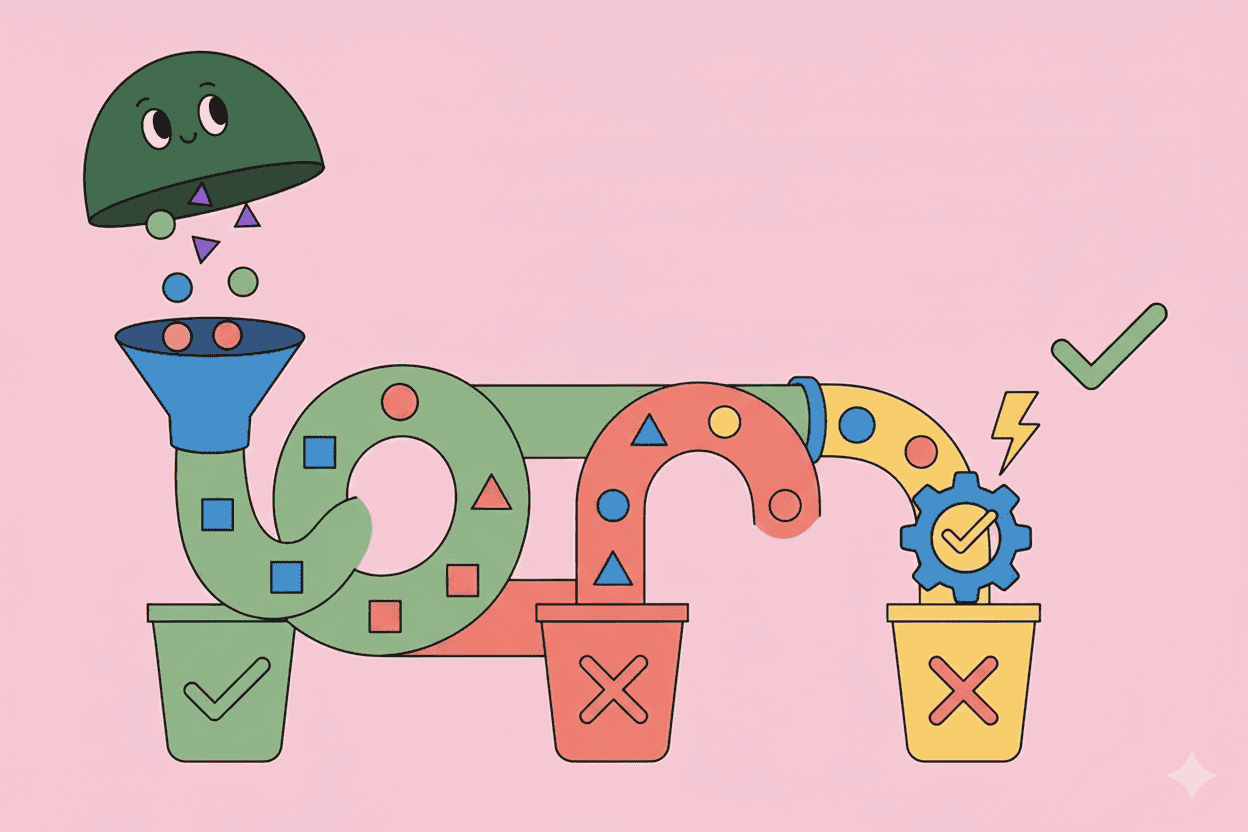
Keep: The feature is working. Users love it, it delivers value, and it aligns with your strategy. Protect it.
Kill: The feature isn't working and isn't strategic. It's dead weight. Remove it.
Improve: The feature has potential but isn't delivering. It needs investment to reach its promise—or a deadline to prove itself.
Everything else is procrastination.
How to Run a Product Feature Audit
Step 1: Inventory Your Features
You can't audit what you can't name. Start by creating a complete list of every feature in your product.
This is harder than it sounds. Features nest inside features. Some live in menus nobody opens. Some are "temporary" solutions from three years ago that somehow became permanent.
Pro tip: ask your support team. They know where all the bodies are buried.
Step 2: Gather Usage Data
For each feature, collect quantitative metrics:
- Adoption rate: What percentage of users have ever used this feature?
- Frequency: How often do users who adopt it actually use it?
- Retention correlation: Do users who use this feature stick around longer?
- Support ticket volume: How many issues does this feature generate?
If you're using a product analytics tool like Amplitude, Mixpanel, or Heap, this data should be accessible. If you're not tracking feature usage... that's a problem you need to fix first.
Step 3: Layer in Qualitative Feedback
Numbers tell you what's happening. Customers tell you why.
Pull feedback related to each feature from:
- Support conversations
- NPS open-ended responses
- Customer interviews
- Sales call notes
- G2 and app store reviews
Look for patterns. A feature with low usage but passionate users is very different from a feature with low usage and zero mentions.
This is where tools like Pelin shine—aggregating feedback from multiple sources and surfacing themes automatically, so you're not manually reading thousands of tickets.
Step 4: Assess Strategic Alignment
Not every feature needs to be popular. Some features exist because they:
- Satisfy a contractual requirement with a key customer
- Unlock a specific market segment
- Serve as a foundation for future capabilities
- Differentiate you from competitors
For each feature, ask: if this feature had zero users, would we still build it today? If the answer is yes, you need to document why.
Step 5: Score and Categorize
Create a simple scoring model. Here's one that works:
| Dimension | Weight | Scale |
|---|---|---|
| Usage (adoption + frequency) | 30% | 1-5 |
| Customer sentiment | 25% | 1-5 |
| Strategic value | 25% | 1-5 |
| Maintenance cost | 20% | 1-5 (inverted: low cost = 5) |
Calculate a weighted score for each feature, then sort. The bottom 20% are your Kill or Improve candidates. The top 20% are your Keep priorities.
Step 6: Make Decisions (And Document Them)
This is where most audits fail. Teams gather all the data, have the meeting, and then... nothing happens.
Set a deadline. For each feature in your Kill/Improve bucket, decide:
- Kill: Sunset date, communication plan, migration path for affected users
- Improve: Success metrics, investment timeline, kill date if metrics aren't met
Write it down. Share it with stakeholders. Put it on the roadmap.
How to Kill a Feature Without Killing Customer Trust
Removing features is harder than adding them. Some users—even if it's a tiny percentage—rely on what you're cutting.
Communicate Early and Often
Give users advance notice. 30-60 days minimum for minor features, 90+ days for major ones. Explain why you're making the change (better focus, improved experience, etc.) and what alternatives exist.
Provide Migration Paths
If possible, help affected users transition. Can they export their data? Is there a third-party integration that replaces the functionality? Can you recommend alternatives?
Listen to the Pushback
Sometimes the outcry reveals value you didn't see in the data. A feature with 2% adoption might be why your biggest enterprise customer chose you. That's important information.
But don't confuse volume with validity. A loud minority on Twitter isn't the same as genuine customer impact.
Building a Feature Audit Habit
A one-time audit is good. A regular practice is better.
Consider running a feature audit:
- Quarterly: Light-touch review of new features and bottom performers
- Bi-annually: Comprehensive audit of your entire product
- Before major releases: Ensure new features don't add to existing bloat
Some teams build "feature sunset" into their development process. Every new feature ships with success criteria and an auto-review date. If it doesn't hit its metrics within 6 months, it goes on the kill list.
Using AI to Scale Your Audit
The hardest part of a feature audit is gathering and synthesizing qualitative feedback. Reading through thousands of support tickets, interview transcripts, and review comments takes forever.
This is exactly the kind of work AI is built for.
Modern customer intelligence platforms can automatically tag feedback by feature, surface sentiment trends, and highlight recurring themes. Instead of spending two weeks on data gathering, you can spend two hours reviewing AI-generated summaries and jump straight to decision-making.
Pelin, for example, connects to your support tools, CRM, and research repositories to give you a real-time view of how customers feel about every part of your product. When it's audit time, the data is already organized.
Common Feature Audit Mistakes
Letting Politics Override Data
Yes, the VP of Sales loves that feature because one prospect mentioned it once. That doesn't mean it should survive the audit. Use the data. Document the reasoning. Let the facts speak.
Auditing in a Vacuum
Include stakeholders from support, sales, engineering, and customer success. They have context you don't. A feature that looks useless in the data might be the only thing keeping a major account happy.
Skipping the Follow-Through
An audit without action is just an expensive spreadsheet exercise. The value comes from the decisions you make afterward.
Treating "Improve" as a Parking Lot
"Improve" is not a permanent status. It's a temporary state with a deadline. If you're not willing to invest in improving a feature, it should be killed.
The Bottom Line
Your product is probably carrying dead weight. Features that seemed like good ideas, features that satisfied one customer request, features that nobody remembers building.
A product feature audit isn't about being ruthless. It's about being intentional. Every feature you keep is a choice. Make sure it's a good one.
Start with your bottom 10% of features by usage. Pull the customer feedback. Have an honest conversation about strategic value. And then do the hard thing: make a decision.
Your users—and your engineering team—will thank you.