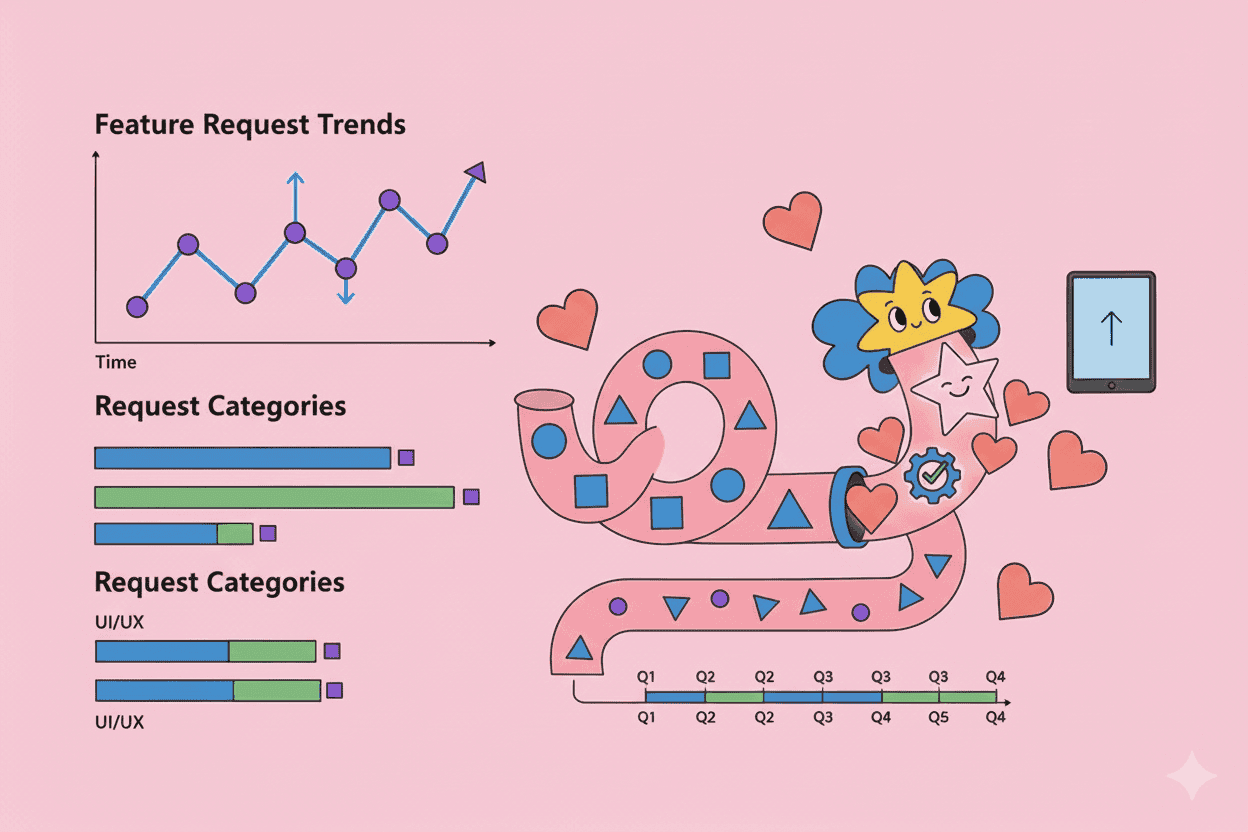
A customer asks for dark mode. Then another. Then five more this week. Is this a growing trend or just a vocal minority?
Most product teams have no idea. They're drowning in feature requests but have no system to track whether requests are accelerating, plateauing, or fading away. Without trend visibility, you're essentially prioritizing based on whoever shouted loudest this quarter.
This guide shows you how to build a feature request tracking system that reveals patterns over time—so you can spot emerging needs early, validate prioritization decisions with data, and stop chasing noise.
TL;DR: Key Takeaways
- Track request velocity, not just volume—how fast requests grow matters more than total count
- Normalize by customer segment to avoid letting enterprise customers dominate your roadmap
- Create a consistent taxonomy so you can aggregate related requests accurately
- Review trends monthly but make decisions quarterly to filter out noise
- Combine quantitative trends with qualitative signals for the full picture
Why Feature Request Tracking Usually Fails
Before diving into the how, let's understand why most teams struggle with this.
The Spreadsheet Graveyard Problem
Every product team starts with good intentions. Someone creates a "Feature Requests" spreadsheet. For a few weeks, people add requests. Then entries become inconsistent, duplicates multiply, and within months the spreadsheet becomes a graveyard nobody visits.
Research from ProductPlan found that 49% of product managers spend over half their time on manual tasks like aggregating feedback—time that could go toward actual analysis.
Volume vs. Velocity Confusion
Counting total requests is misleading. A feature with 100 requests accumulated over three years looks more popular than one with 30 requests in the last month. But the second feature clearly has more momentum.
Without tracking when requests arrive, you can't distinguish between:
- Genuine growing demand
- Stable ongoing needs
- One-time spikes from a blog post or competitor announcement
- Declining interest as alternatives emerge
The "Who Asked" Blind Spot
Ten requests from trial users who churned carry different weight than ten requests from your largest enterprise customers. But most tracking systems treat all requests equally, leading to distorted priorities.
Building Your Feature Request Tracking System
Here's a practical framework for tracking requests in a way that reveals meaningful trends.
Step 1: Define Your Request Taxonomy
The biggest mistake teams make is tracking requests at the wrong level of granularity. "Make it faster" and "Improve export speed" and "Bulk export takes too long" are all the same request—but they'll show up as three separate items if you're not careful.
Create a two-level taxonomy:
Themes (High-level problem areas):
- Performance
- Integrations
- Reporting
- Mobile experience
- Collaboration
- Pricing/packaging
Specific Features (Concrete requests within themes):
- Performance > Faster bulk exports
- Performance > Reduced page load times
- Integrations > Salesforce sync
- Integrations > HubSpot sync
This structure lets you analyze trends at both levels. A theme might be growing even when individual features fluctuate.
Step 2: Capture Structured Metadata
For each request, track:
| Field | Why It Matters |
|---|---|
| Date received | Enables time-series analysis |
| Customer segment | Enterprise, SMB, trial, churned |
| Request source | Support ticket, sales call, NPS survey, interview |
| Revenue impact | ARR/MRR of requesting customer |
| Use case context | What were they trying to accomplish? |
| Urgency indicator | Blocking, important, nice-to-have |
The last two are often skipped but are crucial. A request for "PDF export" from someone trying to share reports with executives has different implications than the same request from someone archiving old data.
Step 3: Track the Right Metrics
Move beyond simple request counts. Here are the metrics that actually reveal trends:
Request Velocity New requests per week or month for each theme/feature. A feature going from 2 requests/month to 10 requests/month signals growing urgency.
Segment Penetration What percentage of a customer segment has requested this? If 30% of your enterprise customers have asked for SSO, that's very different from 30 random requests across your entire base.
Revenue-Weighted Volume Sum the ARR of all customers requesting a feature. This surfaces requests from high-value segments that might get lost in raw counts.
Time Since Last Request Features with no new requests in 6+ months are "cooling off"—potentially deprioritize them even if historical volume was high.
Request Concentration Are requests spread across many customers or concentrated in a few? High concentration might indicate a custom need rather than a platform gap.
Step 4: Build Your Analysis Cadence
Trend analysis requires consistent review rhythms:
Weekly: Quick Pulse Check
- Any unusual spikes?
- New themes emerging?
- Takes 15 minutes
Monthly: Pattern Review
- Review velocity changes for top 20 requests
- Identify features that crossed significance thresholds
- Compare segment-specific trends
- Takes 1 hour
Quarterly: Strategic Analysis
- Which themes have grown/declined?
- Are trends consistent with roadmap priorities?
- What's the gap between what customers request and what you're building?
- Takes half a day
The key is consistency. Sporadic analysis misses inflection points where a feature went from "occasional ask" to "widespread demand."
Identifying Meaningful Trends vs. Noise
Not every spike matters. Here's how to separate signal from noise.
Signs of a Meaningful Trend
Sustained velocity increase: Three or more consecutive months of growth, not a one-time spike.
Cross-segment demand: Multiple customer types asking, not just one vocal account.
Correlated with churn risk: Customers who requested this feature churned at higher rates—according to Bain & Company research, a 5% increase in retention can boost profits by 25-95%.
Competitive mention: Requests specifically cite that competitors have this feature. Gartner notes that systematic competitive intelligence leads to 20% faster decision-making.
Support ticket correlation: Customers work around the missing feature, creating support load.
Signs of Noise
Single source spike: All requests came from one blog post comment thread or feature request forum.
No business context: Customers can't explain what they'd do differently with this feature.
Low-value segment concentration: All requests from churned or trial users.
Declining after initial spike: Request velocity peaked and dropped—might have been a moment, not a trend.
Using Trend Data in Prioritization
Trend data is an input to prioritization, not a replacement for it. Here's how to integrate it effectively.
The Trend-Weighted RICE Model
The standard RICE framework scores features on Reach, Impact, Confidence, and Effort. Add trend data to refine your scoring:
Reach adjustment: Scale reach by request velocity. Fast-growing features get a multiplier; declining features get a discount.
Confidence boost: High request volume from diverse segments increases confidence that the feature will deliver expected impact.
Urgency modifier: Features with accelerating trends and competitive pressure might warrant expedited timelines even at moderate RICE scores.
Avoiding the "Just Build What's Most Requested" Trap
High request volume doesn't always mean you should build something. Consider:
Adoption vs. demand: Will customers who requested a feature actually use it? Pendo's research shows that 80% of features in typical SaaS products are rarely or never used.
Strategic fit: A highly requested feature that pulls your product in the wrong direction might hurt more than help.
Alternative solutions: Can the need be addressed through integrations, documentation, or workflow changes?
The "Trend + Need Fit" Matrix
Plot features on two axes:
- X-axis: Trend strength (declining → stable → growing)
- Y-axis: Strategic fit (low → medium → high)
| Growing Trend | Stable Trend | Declining Trend | |
|---|---|---|---|
| High Fit | Build now | Build this quarter | Reconsider |
| Medium Fit | Investigate deeply | Monitor | Deprioritize |
| Low Fit | Find alternatives | Ignore | Kill |
This prevents both chasing trends that don't fit your strategy and ignoring fits because you missed the trend data.
Practical Implementation: Tools and Workflows
You don't need expensive software to start tracking trends. Here's a progression from simple to sophisticated.
Starter: Spreadsheet + Manual Tagging
Setup: Google Sheet with columns for date, customer, segment, theme, feature, source, notes.
Process: Weekly 30-minute session to categorize new requests and tag them to themes.
Analysis: Monthly pivot table review of request counts by theme and month.
Limitation: Doesn't scale past ~50 requests/month without becoming a time sink.
Intermediate: CRM/Support Tool Integration
Setup: Tag feature requests in your existing tools (Intercom, Zendesk, HubSpot). Export tagged data weekly.
Process: Automated tagging rules where possible, manual review for edge cases.
Analysis: Build dashboards in your BI tool showing request trends over time.
Limitation: Data scattered across systems; integration maintenance required.
Advanced: Dedicated Feedback Intelligence
Setup: Purpose-built platforms that aggregate feedback from all channels and apply consistent categorization.
Process: AI-assisted categorization with human oversight. Automatic deduplication and trend detection.
Analysis: Real-time dashboards, anomaly alerts, segment-specific trend views.
This is where tools like Pelin become valuable. Instead of manually aggregating feedback from support tickets, sales calls, NPS surveys, and interviews, AI can automatically categorize and track requests across all sources—turning weeks of manual work into continuous insights.
Common Mistakes and How to Avoid Them
Mistake 1: Tracking Too Many Categories
If you have 200 feature categories, you can't identify meaningful trends. Consolidate to 20-30 themes maximum, with specific features nested underneath.
Mistake 2: Ignoring Context
"More integrations" from a tech company means something different than from a non-technical team. Capture enough context to understand what the request actually implies.
Mistake 3: Reacting to Every Spike
A spike in requests after a product hunt launch or competitor announcement doesn't mean you should immediately reprioritize. Wait for sustained trends before acting.
Mistake 4: Only Tracking What's Easy to Count
Support tickets are easy to count. Customer interview insights are harder. But interviews often surface the most important trends because they capture context. Build processes to capture qualitative signals too.
Mistake 5: Not Closing the Loop
Trend analysis is pointless if it doesn't influence decisions. Build explicit processes where trend data appears in roadmap discussions.
From Tracking to Action: A Quick-Start Plan
Week 1: Audit existing feedback sources. Where do requests come from? How are they currently tracked?
Week 2: Define your taxonomy—10-15 themes covering your product's feature space.
Week 3-4: Instrument capture. Add structured fields to support tools, create intake forms, brief customer-facing teams.
Month 2: Backfill 3 months of historical data if possible. Establish baseline metrics.
Month 3+: Run monthly trend reviews. Start correlating trends with roadmap decisions.
Within a quarter, you'll have enough trend data to meaningfully influence prioritization. Within two quarters, you'll wonder how you ever made roadmap decisions without it.
Making Trend Analysis Effortless with AI
The biggest barrier to effective trend tracking is the manual labor involved. Categorizing requests, deduplicating entries, aggregating across channels, spotting emerging themes—it's tedious work that often falls through the cracks.
This is exactly where AI shines. Modern feedback intelligence tools can automatically:
- Categorize incoming requests to your taxonomy
- Identify duplicate requests expressed differently
- Surface emerging themes before they hit critical mass
- Alert you when trends cross significant thresholds
- Generate trend reports without manual aggregation
Pelin is built specifically for this use case—ingesting feedback from every channel, automatically categorizing to your themes, and surfacing trends you'd otherwise miss. Instead of spending hours in spreadsheets, you get real-time visibility into what customers need most.
Key Takeaways
-
Track velocity, not just volume: How fast requests grow matters more than how many exist.
-
Create consistent categories: A taxonomy with 15-25 themes lets you aggregate accurately while maintaining useful granularity.
-
Capture segment context: Revenue-weighted and segment-specific trends reveal different priorities than raw counts.
-
Build review rhythms: Weekly quick checks, monthly pattern reviews, quarterly strategic analysis.
-
Integrate trends into prioritization: Use trend data to adjust RICE scores and validate roadmap decisions.
-
Automate where possible: Manual tracking doesn't scale; AI-powered tools like Pelin turn continuous trend analysis into a sustainable practice.
Feature request tracking isn't about building everything customers ask for. It's about understanding what customers need over time, so you can make confident decisions about where to invest your limited resources.