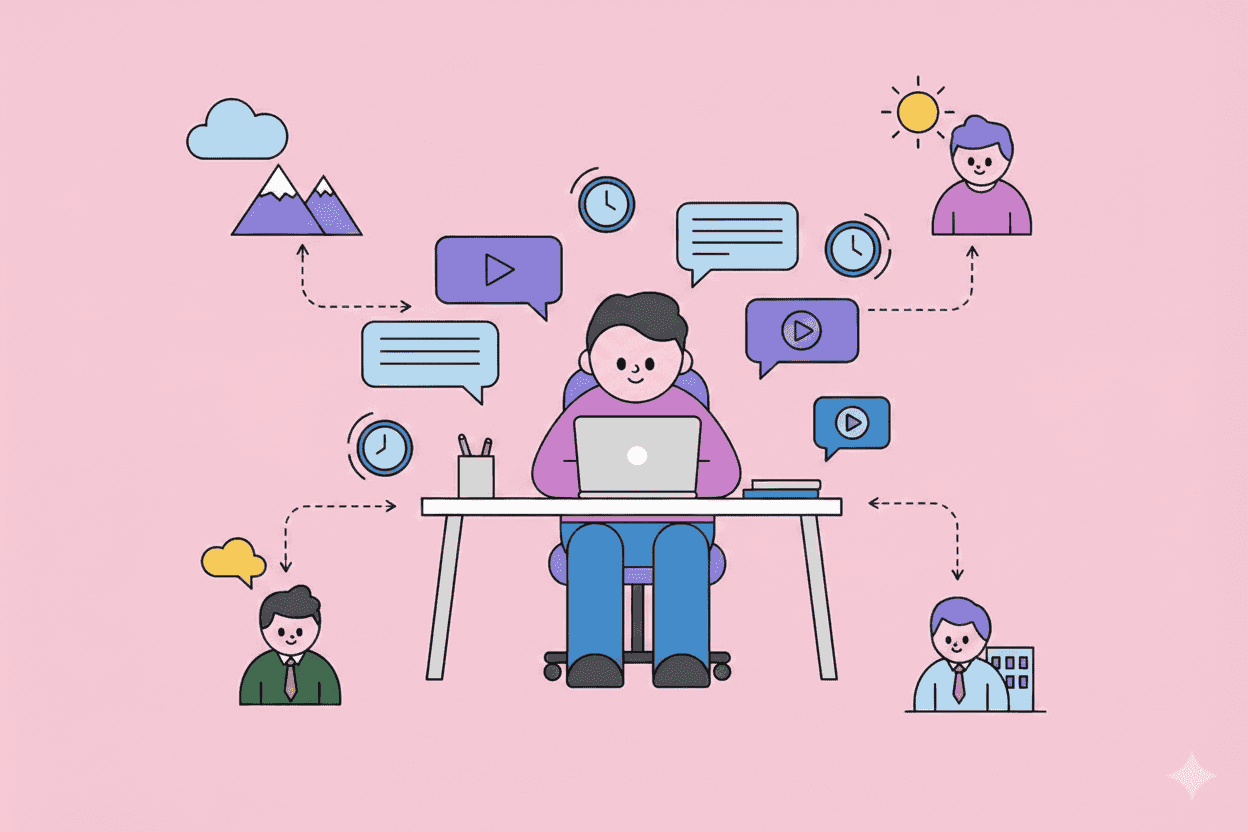
Scheduling customer interviews is a nightmare. You send 15 emails, juggle three time zones, and finally land a 30-minute slot—only for the customer to cancel.
There's a better way: asynchronous customer interviews.
Async interviews let customers respond on their own time through video, audio, or written responses. They eliminate scheduling friction while often producing more thoughtful, reflective answers than live conversations.
This guide covers everything you need to run effective async interviews: when to use them, how to structure questions, which tools work best, and how to avoid common pitfalls.
TL;DR: Key Takeaways
- Async interviews work best for: exploratory research, feedback on specific features, and reaching busy or global customers
- Keep prompts short: 3-5 focused questions with clear context
- Video responses beat text: 65% richer data according to UserTesting research
- Set clear expectations: Tell participants exactly how long responses should take
- Combine with live calls: Use async for initial discovery, live calls for deep-dives
What Are Asynchronous Customer Interviews?
Traditional interviews happen in real-time—you schedule a Zoom call, ask questions, and have a conversation. Async interviews flip this model.
You send participants a set of questions or prompts. They record video responses, audio clips, or written answers whenever convenient. You review their responses later and follow up if needed.
Think of it like the difference between a phone call and a voice memo. Same information exchange, different timing.
When Async Interviews Make Sense
Async works exceptionally well when:
Your customers are busy executives. Asking a VP to block 45 minutes on their calendar is a big ask. Asking them to spend 10 minutes recording answers while waiting for their flight? Much easier.
You're working across time zones. Buffer's State of Remote Work report found that 44% of remote teams struggle with time zone coordination. Async eliminates this entirely.
You need reflective, thoughtful responses. Some questions require thinking time. "How has your workflow changed over the past year?" produces better answers when people can pause and reflect.
You're conducting exploratory research at scale. Running 30 live interviews takes weeks. Collecting 30 async responses can happen in days.
Your participants prefer recording over live conversation. Some people think more clearly without the pressure of real-time dialogue.
When to Stick with Live Interviews
Async isn't always the right choice:
- When you need to probe deeply. Follow-up questions in live conversation uncover layers that async can't reach.
- For sensitive topics. Difficult conversations need human presence and empathy.
- When rapport matters. Building trust with a key customer relationship is better done face-to-face.
- For usability testing with real-time interaction. Watching someone use your product live reveals hesitations and confusion that recordings miss.
The best research programs use both. Async for breadth and accessibility, live for depth and nuance.
How to Structure Async Interview Questions
Bad questions kill async interviews. Without a moderator to clarify or redirect, participants will misunderstand confusing prompts, give surface-level answers, or abandon the interview entirely.
The 5-Question Rule
Keep async interviews to 3-5 questions maximum. Research from SurveyMonkey shows completion rates drop significantly after 10 questions—and for video responses, the threshold is even lower.
Each question should:
- Focus on one specific topic
- Include enough context to answer without assumptions
- Be impossible to answer with just "yes" or "no"
Question Types That Work
Narrative prompts: "Walk me through what happens when a new feature request comes in from a customer."
Comparative questions: "How does your current approach to [problem] compare to what you were doing 6 months ago?"
Specific scenario questions: "Tell me about a recent time when you had to make a prioritization decision without enough customer data."
Demonstration requests: "Show me how you currently track customer feedback in your tools."
Questions to Avoid
Double-barreled questions: "How do you gather and prioritize customer feedback?" — This is two separate questions.
Leading questions: "Don't you find it frustrating when customer feedback is scattered across tools?" — You've already suggested the answer.
Hypothetical questions: "What would you do if your company suddenly had unlimited research budget?" — Too abstract for useful insights.
Jargon-heavy questions: "How do you operationalize your VoC program KPIs?" — Participants will either guess what you mean or skip entirely.
Add Context and Examples
For each question, provide:
- Why you're asking — "We're exploring how product teams handle conflicting feedback..."
- What a good answer looks like — "Feel free to share specific examples, tools you use, or even show your screen."
- Approximate timing — "This usually takes 2-3 minutes to answer."
Choosing the Right Async Interview Tools
Your tool choice affects response quality, completion rates, and analysis time.
Video Response Platforms
Loom — Participants record screen + camera. Great for demonstrations and walkthroughs. Responses are searchable and easy to clip.
VideoAsk — Interactive video surveys where each question is its own video. Higher engagement than text surveys, but requires participants to watch your question videos first.
Grain — Built for user research with automatic transcription and highlight clipping. Grain's data suggests video responses contain 3x more detail than written answers on average.
UserTesting — Enterprise-grade with panel recruitment built in. Expensive, but handles everything from recruitment to analysis.
Audio Response Tools
Voiceform — Audio surveys optimized for mobile. Good for catching customers while commuting or exercising.
Otter.ai — While primarily a transcription tool, you can have participants submit audio files for automatic transcription.
Written Response Platforms
Typeform — Conversational forms that feel less like surveys. Good for text-based async interviews when video feels like too much friction.
Notion Forms + Coda — Free-form collection that feeds directly into your research repository.
Dovetail — Research repository with built-in survey capabilities and powerful tagging for synthesis.
Which Format Gets Better Responses?
Video typically produces richer data. People share more context, show their environment, and express nuance through tone. A study from Voxpopme found that video responses contained 40% more usable insights than equivalent text responses.
But video has friction. Some participants don't want to appear on camera. Some are in open offices. Text responses have higher completion rates for quick questions.
The hybrid approach works well: Ask participants to respond via video if comfortable, with text as a fallback.
Running the Async Interview: Step by Step
1. Craft Your Invitation
Your outreach determines whether people participate. Be specific about:
- What you're researching and why it matters
- Exactly how long it will take (be honest—overestimate slightly)
- What format you're requesting (video, audio, text)
- When you need responses by
- What they get in return (incentive, product influence, early access)
Example:
"We're improving how [product] handles feature prioritization, and we'd love your input. This async interview has 4 questions and takes about 12 minutes total. You can record video responses or type answers—whatever's easier. We'll send a $50 Amazon gift card once you complete it."
2. Set Up Your Questions
Upload or configure your questions in your chosen tool. Include:
- An intro video/text explaining the context
- Clear instructions for recording/responding
- A progress indicator so participants know how much is left
- A thank-you message at the end
3. Pilot Test First
Run your async interview with 2-3 internal team members before sending to customers. Watch for:
- Questions that produce confused or off-topic responses
- Technical issues with recording or submission
- Total completion time (should match your estimate)
- Any questions that feel redundant once you see the answers
4. Send and Monitor
- Send invitations in batches (not all at once) so you can adjust if early responses reveal problems
- Send one reminder after 3-4 days if no response
- Track completion rates by question—if everyone drops off after question 3, that question needs work
5. Acknowledge Responses
Send a quick thank-you when someone completes the interview. This isn't just politeness—it increases likelihood they'll participate again.
Analyzing Async Interview Data
Async interviews generate hours of video and thousands of words. Without a system, you'll drown in data.
Transcribe Everything
Manual note-taking while watching videos is inefficient and biased. Use automatic transcription:
- Grain, Dovetail, and UserTesting have built-in transcription
- Otter.ai or Rev work for standalone recordings
- Whisper AI is free and remarkably accurate for technical content
Tag Systematically
Create a consistent tagging system before you start analysis:
- Topic tags: Feature requests, pain points, workflows, competitors mentioned
- Sentiment tags: Frustration, delight, confusion
- Priority tags: Urgent, nice-to-have, edge case
- Segment tags: Enterprise, SMB, specific persona
Clip Highlights
Don't ask stakeholders to watch 8 hours of interview footage. Create 30-60 second clips of the most compelling moments:
- Direct quotes that crystallize a problem
- Demonstrations of workarounds
- Emotional reactions (frustration, relief, surprise)
- Specific feature requests with context
Synthesize Across Responses
After individual analysis, look for patterns:
- What themes appear in 3+ interviews?
- What words do multiple participants use to describe the same problem?
- What surprised you that contradicts existing assumptions?
This is where AI-powered analysis tools like Pelin shine. Instead of manually reading through dozens of transcripts, AI can surface patterns, cluster similar themes, and highlight the insights that matter most—turning hours of synthesis into minutes.
Common Async Interview Mistakes
Asking Too Many Questions
Every additional question reduces completion rates. Ruthlessly cut anything that's "nice to know" versus "need to know."
Unclear Response Expectations
"Tell us about your experience" is too vague. "Record a 2-3 minute video walking through your weekly planning process" gives participants something concrete to respond to.
No Deadlines
Without a deadline, responses trickle in forever (or never). Set a clear due date 5-7 days out, and send one reminder at the halfway point.
Ignoring Non-Responders
People who don't respond are data too. If your async interview has a 20% completion rate, that's a signal about your questions, incentive, or audience targeting.
Treating Async as Inferior
Some teams view async interviews as "lite" versions of real research. Wrong. Async interviews capture insights that live calls miss—particularly from participants who need time to think or prefer not to perform in real-time conversation.
Combining Async and Synchronous Research
The most effective research programs blend both approaches:
Phase 1: Async Discovery Send async interviews to 20-30 participants to map the problem space broadly. Identify key themes, surprising pain points, and segments worth exploring.
Phase 2: Synchronous Deep-Dives Schedule live interviews with 5-8 participants whose async responses were most interesting or who represent critical segments. Use the live time to probe deeper on themes from Phase 1.
Phase 3: Async Validation Share early solutions or prototypes via async video, asking participants to react and provide feedback on their own time.
This approach gives you breadth (async) and depth (sync) while respecting everyone's time.
Making Async Interviews Work at Scale
For teams doing research regularly, async interviews need operational support:
Build a Participant Panel
Create an opt-in panel of customers willing to participate in research. Track:
- Last participation date (avoid over-asking)
- Topics they've contributed to
- Response quality and reliability
- Segment/persona fit
Standardize Your Process
Document your async interview workflow:
- Question templates for common research types
- Standard incentive amounts
- Outreach email templates
- Analysis frameworks
Aggregate Insights Over Time
Individual async interviews are valuable. A repository of hundreds of async responses becomes a searchable database of customer voice—invaluable for roadmap decisions, positioning, and identifying trends over time.
This is exactly what tools like Pelin are designed for: aggregating customer insights from every channel—async interviews, support tickets, sales calls, NPS responses—into a single, searchable, AI-powered repository that surfaces what matters when you need it.
Start Simple
You don't need expensive tools to try async interviews. Start with:
- Loom's free tier for video responses
- 5 customers you already have relationships with
- 3 focused questions about a specific problem area
- A $25 gift card as incentive
Run one round. See what you learn. Iterate from there.
Async interviews won't replace live customer conversations. But they'll help you talk to more customers, capture insights you'd otherwise miss, and build a research practice that doesn't depend on everyone being available at the same time.
Your customers' insights are too valuable to lose to scheduling conflicts.