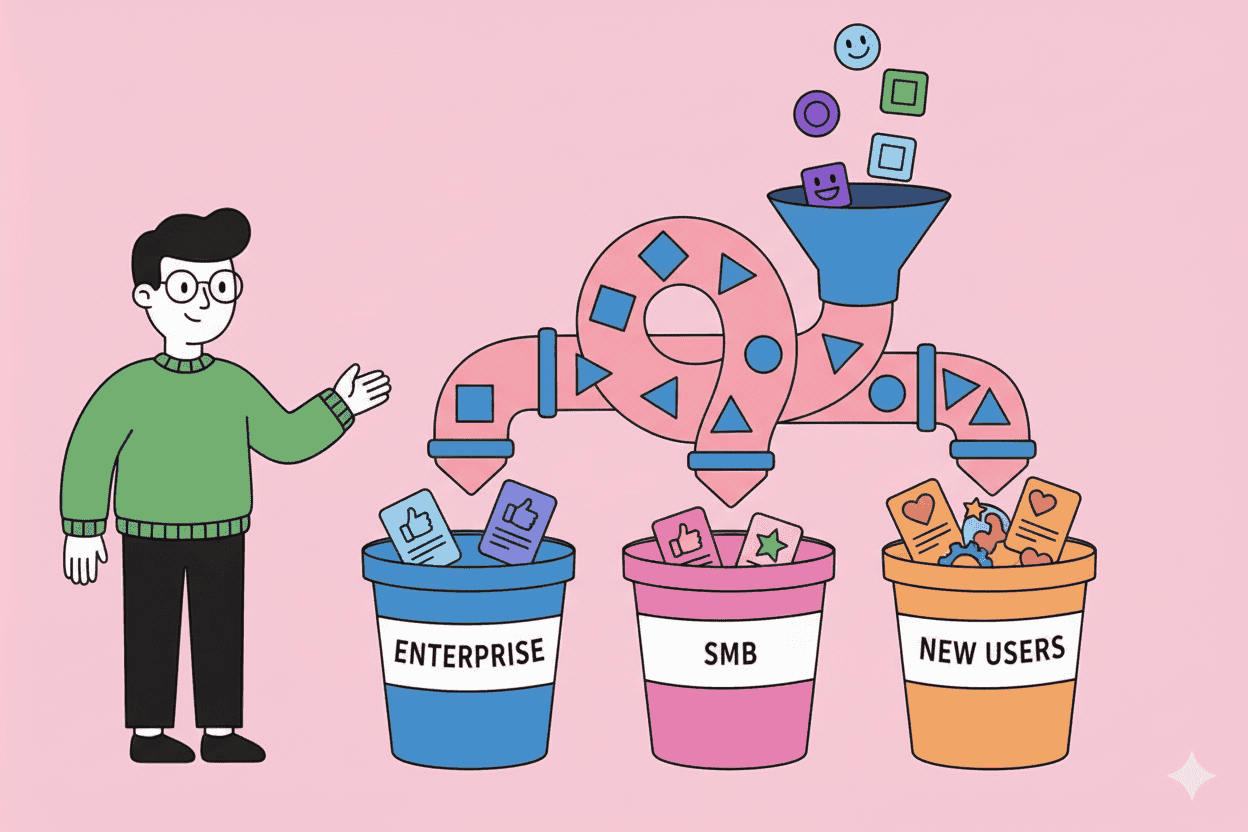
Your customers aren't a monolith. A power user requesting advanced API endpoints has fundamentally different needs than a new trial user struggling with basic onboarding. Yet most teams dump all their feedback into one giant pile and wonder why their insights feel generic.
Customer feedback segmentation—the practice of organizing and analyzing feedback by meaningful user groups—transforms noise into signal. Instead of "users want better search," you discover "enterprise customers need Boolean operators while SMBs want simpler filters."
TL;DR: Key Takeaways
- Segment feedback by at least three dimensions: customer value, lifecycle stage, and use case
- High-value customer feedback isn't automatically more important—but it often reveals different problems
- Research from Bain shows companies using advanced segmentation grow 10-15% faster than those using basic approaches
- Automated tagging catches patterns humans miss at scale
- Review segmented insights weekly, not just when planning roadmaps
Why Unsegmented Feedback Leads You Astray
When you analyze feedback without segmentation, you're essentially averaging incompatible data points. The result? Product decisions that satisfy no one particularly well.
Consider a real pattern: Your NPS survey shows "improve reporting" as the top request. Without segmentation, you might build a fancy new dashboard. But dig deeper and you find:
- Enterprise customers (40% of revenue) want automated PDF exports for board presentations
- Mid-market customers want Slack notifications when key metrics change
- Small teams just want to see their data without clicking through five screens
Building "better reporting" for everyone means building the wrong thing for everyone.
According to McKinsey, companies that get personalization right generate 40% more revenue than average players. The same principle applies to product development: the more precisely you understand who needs what, the better your solutions.
The Three Essential Segmentation Dimensions
1. Customer Value Tier
Not all feedback deserves equal weight—but not in the way you might think.
High-value customers (your top 20% by revenue) often have legitimate enterprise needs that smaller customers don't share. But they can also have idiosyncratic requests driven by their specific workflows. Meanwhile, your long tail of smaller customers might collectively represent your growth opportunity.
How to segment by value:
- Enterprise/High-value: $X+ ARR or 50+ seats
- Mid-market: Growing accounts with expansion potential
- SMB/Self-serve: High volume, lower individual value
- Trial/Free: Prospective customers still evaluating
Track feedback volume and themes by tier. If 80% of your enterprise customers mention integration problems but only 20% of SMBs do, you've found a segment-specific pain point.
2. Customer Lifecycle Stage
A churned customer's feedback tells you different things than a new customer's excitement:
- Onboarding (0-30 days): Friction points, confusing UI, missing getting-started resources
- Adoption (1-3 months): Feature gaps blocking core use cases, integration needs
- Growth (3-12 months): Advanced features, scalability concerns, team collaboration
- Mature (12+ months): Workflow automation, API capabilities, enterprise features
- Churned: Why they actually left (hint: it's rarely the stated reason)
Research from Totango suggests the first 90 days determine most retention outcomes. Segmenting feedback by lifecycle helps you identify exactly where the experience breaks down.
3. Use Case or Persona
Your product likely serves multiple jobs-to-be-done. Feedback that's critical for one persona might be irrelevant for another:
- Role-based: Admin vs. end user vs. executive viewer
- Department-based: Marketing vs. Sales vs. Product vs. CS
- Use case-based: Daily workflow vs. occasional reporting vs. setup-and-forget
A project management tool might get feedback like "need better time tracking." But for operations managers, this means detailed timesheets. For agency owners, it means client-facing billable hour reports. For team leads, it means understanding capacity. Same words, three different features.
Practical Segmentation Framework
Here's a step-by-step approach to implementing feedback segmentation:
Step 1: Enrich Your Feedback Data
Before you can segment, you need the right metadata attached to each piece of feedback:
- Customer attributes: Company size, industry, plan tier, ARR
- User attributes: Role, department, tenure, activity level
- Feedback context: Channel (support ticket vs. survey vs. call), sentiment, topic
Most CRMs and product analytics tools can provide this data. The key is connecting it to your feedback repository.
Step 2: Define Your Segments
Start with 3-4 segments per dimension. More than that creates analysis paralysis:
| Dimension | Segments |
|---|---|
| Value | Enterprise, Growth, SMB |
| Lifecycle | New (<90d), Active, At-risk |
| Persona | Admin, Power User, Casual User |
You can get more granular later. The goal is actionable groupings, not perfect taxonomy.
Step 3: Analyze Patterns Within Segments
For each segment, track:
- Volume: How much feedback are we getting?
- Themes: What topics come up most?
- Sentiment: Are they frustrated or enthusiastic?
- Trends: Is this getting better or worse over time?
Compare across segments. When a theme appears in one segment but not others, you've found something worth investigating.
Step 4: Cross-Reference Segments
The real insights come from intersections:
- What do high-value + mature customers want? (Retention priorities)
- What do growth + new customers struggle with? (Expansion blockers)
- What frustrates at-risk + any tier customers? (Churn prevention)
This matrix approach helps you prioritize by combining impact and urgency.
Common Segmentation Mistakes to Avoid
Mistake 1: Over-Weighting Vocal Minorities
Your biggest customer's feature request isn't automatically your priority. Before building anything, ask:
- How many customers in this segment share this need?
- What's the revenue at risk if we don't address it?
- Does this align with our product direction?
One enterprise customer asking for a custom integration isn't a pattern. Ten enterprise customers mentioning integration friction is.
Mistake 2: Ignoring Churned Customer Feedback
Churned customers often tell you the unfiltered truth. They have nothing to lose. Yet most teams only analyze feedback from current customers.
Set up exit surveys and churn interviews. Segment this feedback separately—it reveals different patterns than feedback from happy customers.
Mistake 3: Static Segments
Customer segments evolve. A startup that was SMB two years ago might be mid-market now. A power user might have reduced their usage.
Refresh your segmentation criteria quarterly. Make sure customers move between segments as their attributes change.
Mistake 4: Analysis Without Action
Segmented insights sitting in a dashboard help no one. Build workflows that route insights to the right teams:
- Enterprise feedback → Account management + Product leadership
- Onboarding friction → Growth team + Product
- Feature requests → Product + Engineering leads
How AI Accelerates Feedback Segmentation
Manual segmentation works for hundreds of feedback items. But what about thousands per month across support tickets, surveys, social mentions, and sales calls?
This is where AI-powered tools shine. Modern platforms can:
- Auto-tag feedback by topic, sentiment, and urgency
- Enrich context by pulling customer data from your CRM
- Identify patterns across segments that humans would miss
- Track trends over time without manual spreadsheet work
Tools like Pelin take this further by continuously monitoring all your feedback channels and automatically surfacing segment-specific insights. Instead of quarterly analysis projects, you get real-time visibility into what each customer group needs.
The combination of proper segmentation strategy and AI-powered execution means you can process feedback at scale while maintaining the nuance that drives good product decisions.
Building Your Segmentation Practice
Weekly: Segment Review
Spend 30 minutes reviewing top themes by segment. Look for:
- New patterns emerging
- Known issues getting worse
- Positive signals (reduced complaints about recent fixes)
Monthly: Cross-Segment Analysis
Compare segments against each other:
- Which segments have the most urgent unaddressed needs?
- Are there patterns that span multiple segments (horizontal concerns)?
- What's the ROI of addressing segment-specific vs. universal issues?
Quarterly: Segment Validation
Check if your segments still make sense:
- Are they actionable? Can you build different things for different segments?
- Are they measurable? Can you track impact by segment?
- Are they stable? Or are customers constantly moving between them?
Measuring Success
How do you know your segmentation practice is working?
Leading indicators:
- Faster feature adoption by target segment
- Reduced support tickets for segment-specific issues
- Higher NPS within priority segments
Lagging indicators:
- Improved retention in previously at-risk segments
- Higher expansion revenue from growth segments
- Better win rates against competitors in target markets
Track these metrics by segment. "Overall retention improved 5%" is good. "Enterprise retention improved 15% while SMB stayed flat" tells you something actionable.
Start Simple, Then Iterate
You don't need perfect segmentation from day one. Start with one dimension—customer value tier is usually the easiest—and build from there.
The goal isn't academic precision. It's making better product decisions by understanding that your customers aren't a homogeneous mass. When you know that enterprise customers need X while SMBs need Y, you can build X and Y instead of a mediocre compromise.
Every piece of customer feedback is a data point. Segmentation turns those data points into patterns. And patterns turn into products people actually want to use.
Want to automate your feedback segmentation? Pelin continuously analyzes customer feedback across all your channels and surfaces segment-specific insights without the manual spreadsheet work.