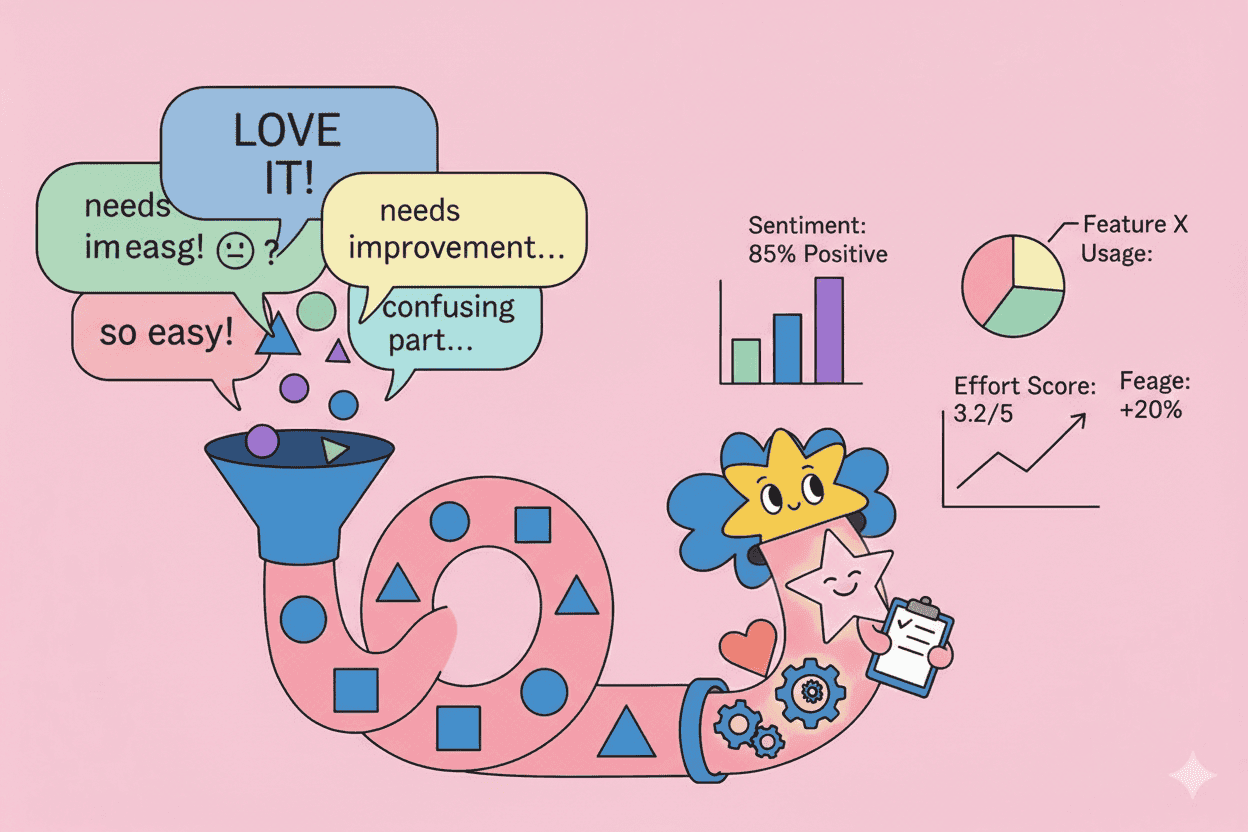
Your NPS is 42. Your CSAT is 4.2. But when someone asks why customers feel that way, you're drowning in 3,000 open-text responses that all say different things.
Sound familiar?
Qualitative feedback—customer interviews, support tickets, survey comments, sales call notes—contains the richest insights about what customers actually need. But unlike quantitative metrics, you can't just average it. You can't chart it. And you definitely can't walk into a stakeholder meeting and say "customers feel kinda frustrated."
The good news: there are systematic methods to turn qualitative feedback into quantifiable data that drives real decisions. Here's how.
TL;DR: Key Takeaways
- Qualitative feedback holds richer insights than metrics alone, but requires systematic processing to become actionable
- Theme coding with frequency counts gives you the foundation for quantification
- Impact scoring (combining frequency + severity + customer value) creates prioritization-ready data
- AI tools can accelerate coding, but human judgment remains essential for interpretation
- Document your methodology so stakeholders trust the numbers
Why Quantifying Qualitative Feedback Matters
Product teams collect massive amounts of qualitative data. According to Gartner research, organizations that effectively analyze customer feedback are 23x more likely to outperform competitors in customer acquisition. Yet most teams struggle to make this data actionable.
The problem isn't collection—it's synthesis. When you have 500 interview transcripts, 10,000 support tickets, and countless survey responses, patterns become invisible. Leaders want confidence. They want to know: "How many customers want X?" not "Some customers mentioned X."
Quantification bridges this gap. It transforms subjective observations into objective evidence that can:
- Justify prioritization decisions to stakeholders
- Compare the relative importance of different problems
- Track whether issues are growing or shrinking over time
- Create accountability around customer-centric metrics
Step 1: Build Your Feedback Taxonomy
Before you can count anything, you need categories to count. This starts with a feedback taxonomy—a structured hierarchy of themes and sub-themes.
Creating Theme Categories
Start by sampling 50-100 pieces of feedback and identifying recurring patterns. Common top-level categories include:
- Feature requests: New capabilities customers want
- Pain points: Problems with current functionality
- Praise: What's working well
- Questions: Confusion or lack of clarity
- Churn signals: Indicators of potential customer loss
Under each category, create specific themes. For example, under "Pain points":
- Performance/speed issues
- Confusing navigation
- Missing integrations
- Pricing concerns
- Onboarding friction
Theme Hierarchy Best Practices
Research from the Nielsen Norman Group on taxonomy design shows that 3-4 levels of hierarchy work best for feedback categorization:
- Category (Feature Request)
- Theme (Reporting)
- Sub-theme (Export functionality)
- Specific (CSV export for custom date ranges)
Keep your taxonomy living—new themes will emerge as you code more feedback. Review and adjust quarterly.
Step 2: Code Your Feedback Systematically
With your taxonomy in place, the next step is coding—assigning each piece of feedback to one or more themes.
Manual Coding Process
For small datasets (under 500 items), manual coding works well:
- Read the feedback item completely
- Identify the primary theme
- Note secondary themes if applicable
- Record in your tracking system
Pro tip: Use a consistent format. Each coded item should include:
- Source (interview, support ticket, survey, etc.)
- Customer segment (enterprise, SMB, etc.)
- Date
- Primary theme
- Secondary themes
- Verbatim quote (for later reference)
Inter-Coder Reliability
If multiple people are coding, you need alignment. According to research published in the Journal of Product Innovation Management, inter-coder reliability above 80% agreement is considered acceptable for business decisions.
To achieve this:
- Create clear definitions for each theme with examples
- Do a calibration session where everyone codes the same 20 items
- Discuss disagreements and refine definitions
- Spot-check each other's work throughout the process
AI-Assisted Coding
For larger datasets, AI tools can dramatically accelerate coding. Modern NLP can classify feedback with 85-95% accuracy when trained on domain-specific examples.
The key is human review. Use AI to:
- Generate initial theme suggestions
- Bulk-classify clear-cut cases
- Flag edge cases for human judgment
Tools like Pelin use AI to automatically identify themes across your feedback sources, surfacing patterns you'd miss with manual review alone—while keeping humans in the loop for nuanced interpretation.
Step 3: Calculate Frequency and Reach
Once feedback is coded, you can start counting. Two metrics matter most:
Frequency
How many times does each theme appear?
This is straightforward: count the instances. If "slow export speeds" appears in 47 support tickets, 12 interview transcripts, and 23 survey responses, that's 82 mentions.
Reach
How many unique customers mention each theme?
Reach is often more valuable than frequency. One angry customer might submit 15 tickets about the same issue, inflating frequency. Reach tells you how widespread the problem actually is.
| Theme | Frequency | Reach |
|---|---|---|
| Slow exports | 82 | 34 customers |
| Missing Salesforce integration | 45 | 41 customers |
| Confusing pricing page | 28 | 26 customers |
In this example, "Missing Salesforce integration" has lower frequency but higher reach—more customers are affected, even if they mention it fewer times each.
Step 4: Add Impact Scoring
Frequency alone doesn't tell the full story. A minor annoyance mentioned by 100 customers might matter less than a critical blocker mentioned by 10 enterprise accounts.
Building an Impact Score
Create a composite score that weighs multiple factors:
Severity (1-3)
- 1: Minor inconvenience
- 2: Significant friction
- 3: Critical blocker or churn risk
Customer Value (1-3)
- 1: Low-value segment (free tier, small accounts)
- 2: Mid-market accounts
- 3: Strategic/enterprise accounts
Strategic Alignment (1-3)
- 1: Doesn't align with product direction
- 2: Somewhat aligned
- 3: Core to product strategy
The Impact Formula
A simple weighted formula:
Impact Score = Reach × (Severity + Customer Value + Strategic Alignment)
Using our earlier example:
| Theme | Reach | Sev | Value | Strategy | Impact |
|---|---|---|---|---|---|
| Slow exports | 34 | 2 | 2 | 2 | 204 |
| Missing Salesforce | 41 | 3 | 3 | 3 | 369 |
| Confusing pricing | 26 | 1 | 2 | 2 | 130 |
Now "Missing Salesforce integration" clearly rises to the top—it affects more customers, those customers tend to be higher-value, and it aligns with product strategy.
Step 5: Visualize and Communicate
Numbers alone don't drive decisions—narratives do. Package your quantified insights in formats that resonate with stakeholders.
Theme Frequency Over Time
Track how themes trend month-over-month. Research from McKinsey shows that trend data is 3x more actionable than point-in-time snapshots.
A rising theme suggests an emerging problem. A declining theme after a fix confirms impact.
Impact vs. Effort Matrix
Plot themes on a 2×2 with Impact Score on one axis and estimated effort on the other. This immediately surfaces quick wins and strategic bets.
Customer Quote Evidence
Always pair quantitative summaries with representative quotes. "34 customers mentioned slow exports" becomes visceral when followed by: "I waited 6 minutes for a report that should take seconds. I'm looking at alternatives."
Common Pitfalls to Avoid
1. Over-fitting Categories
Don't create a theme for every unique request. If your taxonomy has 200 themes, you've lost the ability to see patterns. Aim for 30-50 actionable themes.
2. Ignoring Low-Frequency/High-Impact Issues
Some critical issues surface rarely. A security concern mentioned by one customer might warrant immediate attention regardless of frequency.
3. Conflating Mention and Importance
A customer mentioning something doesn't mean they prioritize it. When possible, capture explicit importance: "On a scale of 1-10, how much does this affect your work?"
4. Lack of Methodology Documentation
If you can't explain how you got your numbers, stakeholders won't trust them. Document your taxonomy, coding process, and formulas.
Scaling with AI-Powered Analysis
Manual coding works for occasional research projects, but continuous feedback analysis requires automation. Modern AI can:
- Auto-categorize incoming feedback across support, sales, and research channels
- Detect emerging themes before they become widespread
- Track sentiment shifts at the theme level
- Surface representative quotes automatically
Pelin continuously analyzes feedback from across your customer touchpoints, quantifying themes in real-time and surfacing the insights that matter most. Instead of quarterly research sprints, you get ongoing evidence for roadmap decisions—without the manual coding overhead.
Putting It Into Practice
Start small. Pick your top 3 feedback sources (support tickets, NPS comments, sales call notes). Build a simple taxonomy with 10-15 themes. Code one month of data manually.
Once you see the power of quantified feedback, you'll never go back to gut-feel prioritization.
The best product decisions aren't made by the loudest voice in the room—they're made by teams that systematically transform customer feedback into evidence.
Related Articles
- Customer Feedback Analysis: Complete Guide
- Customer Feedback Taxonomy
- Feedback Categorization Best Practices
- Data-Driven Prioritization
- Building a Customer Feedback Backlog
- Sentiment Analysis for Product Teams
Make Feedback Quantifiable with Pelin
Stop drowning in unstructured feedback. Pelin automatically categorizes, quantifies, and surfaces insights from customer conversations across all your channels—so you can prioritize with confidence.
Start your free trial and see your feedback themes quantified in minutes.