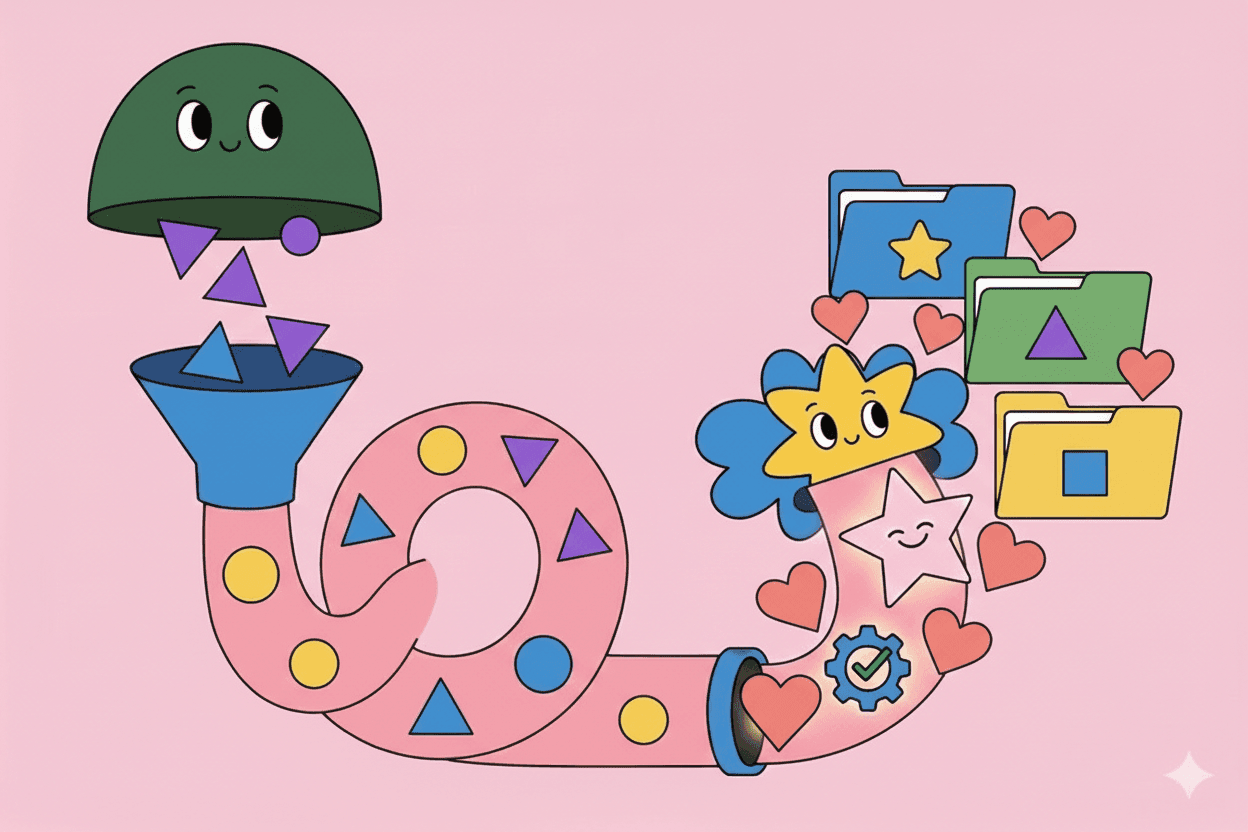
Raw, unstructured feedback is noise. Categorized feedback becomes actionable intelligence. The difference between product teams drowning in customer input and those leveraging it strategically often comes down to categorization—systematic frameworks for organizing feedback that enable pattern recognition, prioritization, and action. This guide shows you how to build feedback taxonomies that scale from hundreds to thousands of inputs while maintaining consistency and usefulness.
Why Categorization Matters
Without categories, feedback analysis relies on memory and anecdote. "I think customers mentioned reporting issues a lot this month" lacks the precision needed for prioritization. With systematic categorization, you can answer:
- Which product areas generate most complaints?
- Are feature requests increasing or decreasing?
- Which customer segments report which types of issues?
- How does sentiment vary by category?
- What patterns emerged this month vs. last quarter?
Categorization transforms qualitative feelings into quantitative patterns suitable for data-driven decisions.
Core Taxonomy Dimensions
Effective feedback taxonomies organize across multiple dimensions:
Insight Type
Feature requests: "I wish I could..." or "It would be great if..." Customers suggesting new capabilities.
Bug reports: "This doesn't work..." Something broken or behaving incorrectly.
Pain points: "I struggle with..." Problems customers face even when product works as designed.
Positive feedback: "I love..." Things customers appreciate. Often overlooked but essential for understanding strengths.
Confusion points: "I don't understand..." Usability issues or unclear functionality.
Competitive mentions: Comparisons to alternatives or reasons for evaluation.
Churn signals: Indicators of dissatisfaction or cancellation intent.
Power user patterns: Behaviors or requests from deeply engaged customers that reveal expansion opportunities.
Product Area
Map to your product structure:
- Core features
- Workflows
- System components
- Integrations
- Admin/settings
- Platform/infrastructure
Granularity matters. Too broad ("the product") loses specificity. Too narrow (hundreds of micro-categories) creates complexity. Aim for 10-30 product areas that match how your team discusses the product.
Customer Segment
Company size: SMB, Mid-Market, Enterprise Industry: Verticals relevant to your product Use case: How they use your product Pricing tier: Free, Starter, Professional, Enterprise Tenure: New (0-3 months), Growing (3-12 months), Mature (12+ months) Engagement level: Active, Occasional, At-risk
Segment-specific patterns inform targeted improvements and positioning.
Sentiment
Positive: Customer satisfaction, praise, appreciation Neutral: Factual observations or questions without emotional charge Negative: Frustration, disappointment, criticism
Beyond simple positive/negative, track intensity:
- Mildly annoyed vs. extremely frustrated
- Slightly pleased vs. delighted
Intensity signals urgency and impact.
Priority/Severity
Critical: Blocking customer workflows, causing data loss, or triggering churn risk High: Significant impact on productivity or satisfaction Medium: Noticeable but workable Low: Nice-to-have improvements
Priority helps focus on highest-impact issues first.
Building Your Taxonomy
Start simple and evolve:
Phase 1: Minimum Viable Taxonomy
Begin with:
- 5-7 insight types (feature request, bug, pain point, positive feedback, confusion point, churn signal)
- 8-12 product areas (major features/workflows)
- 3-4 customer segments (most meaningful divisions)
- 3 sentiment levels (positive, neutral, negative)
This provides structure without overwhelming complexity. You can analyze hundreds of feedback pieces with this foundation.
Phase 2: Refinement
After categorizing 200-500 pieces of feedback, refine:
- Split overloaded categories that accumulate too much feedback
- Merge underused categories that rarely apply
- Add custom attributes specific to your product domain
- Adjust granularity based on analysis needs
Phase 3: Specialization
As volume grows, add sophistication:
- Sub-categories under major product areas
- Additional segment dimensions (geography, team size, integration usage)
- Impact assessment metrics
- Competitive intelligence categories
- Cross-functional tags (sales, support, product, marketing perspectives)
Evolve taxonomy as your understanding deepens and analysis needs mature.
Categorization Consistency
Inconsistent categorization destroys usefulness. "Export issues" and "Reporting problems" might be the same theme categorized differently. Ensure consistency through:
Clear definitions: Document what each category means with examples. "Feature Request = customer explicitly suggests new capability not currently available."
Decision trees: For ambiguous cases, create flowcharts. "Is functionality broken? → Bug. Does functionality not exist? → Feature Request. Does functionality exist but confuse customer? → Confusion Point."
Training: Teach everyone who categorizes feedback to use taxonomy consistently.
Spot-checking: Regularly audit sample of categorized feedback for accuracy and consistency.
AI automation: Modern tools achieve 90%+ categorization accuracy. Pelin.ai automatically applies taxonomies to thousands of feedback pieces, ensuring consistency humans can't maintain at scale.
Multi-Category Tagging
Single feedback often contains multiple insights:
"I love the reporting feature, but exporting to Excel is buggy and I really wish I could schedule automated reports."
This contains:
- Positive feedback (loves reporting)
- Bug (export issue)
- Feature request (scheduled reports)
Allow multiple tags per feedback piece. This increases analytical power—you can track that customers who love reporting also request automation, revealing expansion opportunities.
Automation and AI
Manual categorization doesn't scale beyond ~50 pieces per day per person. AI-powered categorization handles thousands:
Training AI Models
Most platforms require initial training:
- Manually categorize 100-200 example feedback pieces
- AI learns your taxonomy and classification patterns
- AI categorizes new feedback automatically
- You correct mistakes, improving model over time
Validation and Confidence Scores
Good AI systems provide confidence scores. "85% confident this is a Feature Request" vs. "45% confident—needs human review."
Set thresholds: Auto-categorize high-confidence items, flag low-confidence for human review.
Continuous Improvement
AI categorization improves with use:
- Correct misclassifications to train the model
- Add new categories as needs evolve
- Refine definitions based on edge cases
Modern platforms like Pelin.ai continuously learn from corrections, improving accuracy over time.
Common Categorization Mistakes
Too many categories: 50+ categories become unmanageable. Start small, add judiciously.
Overlapping definitions: Categories with fuzzy boundaries cause confusion. Make distinctions clear.
Too granular initially: You can always split categories later. Starting too specific creates complexity before you understand patterns.
Ignoring context: Same feedback might mean different things from different segments. Track contextual metadata.
Static taxonomies: Markets evolve, products change, needs shift. Review taxonomy quarterly and adjust.
Solution-based rather than problem-based: Categorize by customer problem ("needs reporting") not specific solution ("wants dashboards"). Problems are stable; solutions change.
Measuring Taxonomy Quality
Coverage: What percentage of feedback gets categorized vs. left untagged? Target >95%.
Confidence: For AI-categorized feedback, what percentage has high confidence scores? Target >85%.
Inter-rater reliability: When multiple people categorize same feedback, do they agree? Target >90% agreement.
Usefulness: Do categorized insights actually inform decisions? If categories don't drive action, they're not working.
Efficiency: How much time does categorization take? AI should handle bulk work, humans handle edge cases.
Taxonomy Governance
As organizations scale, establish governance:
Ownership: Who maintains the taxonomy? Usually product operations or research team.
Change process: How do you add new categories or modify existing ones? Avoid ad-hoc additions that fragment consistency.
Training: How do new team members learn categorization standards?
Documentation: Keep taxonomy definitions updated and accessible.
Review cadence: Quarterly reviews ensure taxonomy evolves with product and market.
Integration with Analysis
Categorization enables powerful analysis:
Trend tracking: How does feedback distribution change over time? Increasing bug reports signal quality issues. Rising feature requests in specific areas reveal opportunities.
Segment comparison: Do enterprise customers report different issues than SMBs? Segment-specific patterns inform targeted roadmaps.
Priority matrices: Plot categories by frequency and impact to identify highest-priority themes.
Competitive intelligence: Track competitive mention patterns. Which competitors appear most? For which use cases?
Sentiment analysis: How does sentiment vary by category? Positive feedback about Feature A but negative about Feature B focuses improvement efforts.
For comprehensive analysis approaches, see our customer feedback analysis guide.
Getting Started
- Define 5-7 insight types relevant to your product
- List 8-12 product areas matching major features/workflows
- Identify 3-4 meaningful customer segments
- Document definitions and examples for each category
- Manually categorize 50-100 pieces of recent feedback to test taxonomy
- Refine based on challenges encountered
- Implement AI tools like Pelin.ai to automate categorization
- Review and iterate quarterly as you learn
Good categorization is foundation for all feedback analysis. Invest time building solid taxonomy—it pays dividends every analysis thereafter.
Related Articles
- Customer Feedback Analysis: Complete Guide - Master the analysis framework
- Aggregating Feedback Across Channels - Centralize customer input
- Voice of Customer Strategy - Build a comprehensive VoC program
- Feedback Categorization Best Practices - Organize feedback effectively
- Sentiment Analysis for Product Teams - Understand customer emotions
- Turning Support Tickets Into Product Insights - Extract value from support data
Automate Feedback Categorization with Pelin
Pelin.ai automatically categorizes thousands of feedback pieces across insight types, product areas, segments, and sentiment. AI-powered categorization maintains consistency at scale while learning your taxonomy.
Stop manually tagging feedback. Start analyzing patterns instantly. Request Free Trial.