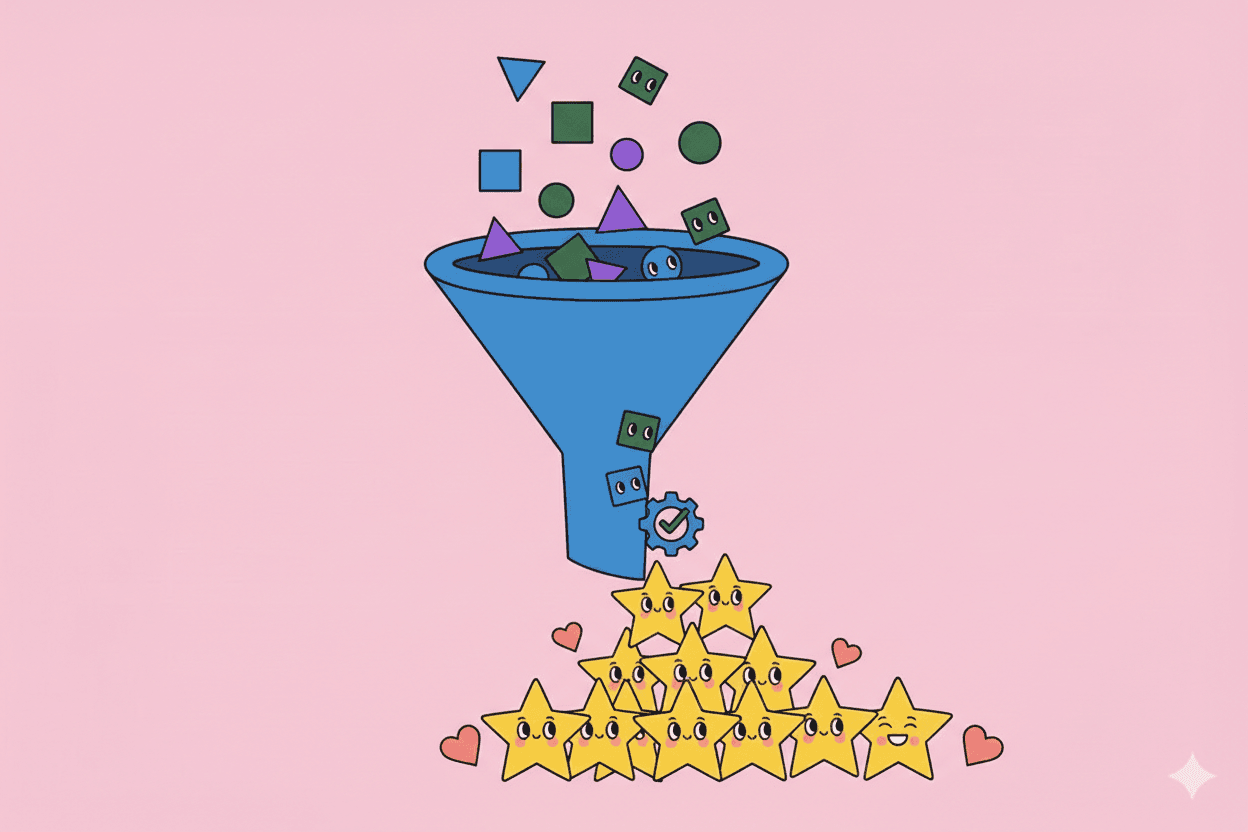
Traditional sales funnels start with Marketing-Qualified Leads (MQLs)—people who downloaded an ebook, attended a webinar, or filled out a form.
Problem: MQLs often have low intent. They're curious, not ready to buy. Sales teams waste time chasing cold leads.
Product-Qualified Leads (PQLs) flip the model. Instead of guessing intent from content downloads, you identify buyers through actual product usage. Users who experience value in your product, hit limits, or exhibit expansion signals—those are your hottest leads.
PQLs convert 5-10x better than MQLs because they've already experienced your product's value. They're not being sold to—they're ready to buy.
This guide covers what PQLs are, how to define them, and how to build a PQL-driven sales motion.
What Is a Product-Qualified Lead (PQL)?
A PQL is a user who has demonstrated buying intent through meaningful product usage and engagement—typically on a free or trial plan.
Key difference from MQLs:
- MQL: Downloaded a whitepaper → cold outreach
- PQL: Used product for 10 days, invited 5 teammates, hit free plan limits → warm, high-intent lead
Why PQLs matter:
- Higher conversion: 20-40% vs. 2-5% for MQLs
- Shorter sales cycles: Users already understand value
- Lower CAC: Product does the qualifying, not expensive ads
- Better fit: Users self-select by usage
PQLs are the backbone of product-led sales: let the product identify buyers, then sales steps in to close.
How to Define Your PQL Criteria
Not all active users are ready to buy. Your PQL definition should identify buying signals, not just engagement.
Step 1: Identify Usage Patterns of Paying Customers
Analyze existing customers:
- What did they do in the product before they upgraded?
- Which features did they use?
- How many sessions/actions/invites?
- What limits did they hit?
Example analysis:
"Customers who converted had an average of 12+ sessions in their first 30 days, invited 3+ teammates, and hit the free plan's 100-record limit."
Those behaviors = your PQL triggers.
Step 2: Define Qualification Criteria
PQLs typically exhibit one or more of these signals:
1. Activation Milestone Reached
- User completed onboarding (e.g., created first project, imported data)
- Signals: They experienced core value
2. Consistent Engagement
- Logged in 5+ days in the last 7 days
- Or: 10+ sessions in the last 30 days
- Signals: They're finding ongoing value
3. Hit a Usage Limit
- Reached free plan cap (records, seats, storage, API calls)
- Signals: They want more capacity (expansion intent)
4. Team Expansion
- Invited 3+ teammates
- Multiple users from the same domain
- Signals: Team adoption = buying committee forming
5. Tried a Premium Feature
- Attempted to use a gated feature (integrations, advanced reports, SSO)
- Signals: They need capabilities only paid plans offer
6. High-Value Actions
- Completed 10+ of a core action (sent campaigns, ran reports, closed deals)
- Signals: Deep usage = reliance on product
7. Firmographic Fit
- Company domain matches ICP (e.g., series-funded startup, Fortune 500, specific industry)
- Signals: Budget and buying authority likely exist
Step 3: Create a Scoring Model
Not all PQL signals are equal. Weight them by importance.
Example scoring:
- Hit usage limit: +20 points
- Invited 5+ teammates: +15 points
- Tried premium feature: +10 points
- 10+ sessions in 30 days: +10 points
- Activated (completed onboarding): +5 points
- Firmographic fit (target company size): +10 points
PQL threshold: Users with 40+ points = qualified
Adjust weights based on what correlates most with conversion.
Step 4: Segment by Intent Level
Not all PQLs are ready for sales outreach. Segment by urgency:
Hot PQLs (immediate outreach):
- Hit hard limits (blocked from using product)
- Explicit requests ("How do I upgrade?")
- High-value firmographic fit + strong usage
Warm PQLs (nurture, then reach out):
- Strong engagement but no hard blocker
- Expanding team, approaching limits
- Tried premium features but didn't hit wall
Cold PQLs (automated nurture only):
- Light usage, but some qualifying signals
- May convert long-term with nurturing
PQL-Driven Sales Motions
1. Automated In-App Prompts
For users hitting limits or trying premium features, show contextual upgrade CTAs.
Examples:
- "You've reached your 100-record limit. Upgrade to Pro for unlimited records."
- "Integrations are available on paid plans. Start a trial to connect [Tool X]."
- "Invite unlimited teammates with our Team plan. [Upgrade now]"
Best practice: Offer self-serve checkout (credit card, instant upgrade). Don't force them to "contact sales" unless enterprise.
2. Sales-Assisted Outreach (Human Touch)
For high-value PQLs (enterprise domains, large teams), assign to sales reps.
Outreach example (email):
Subject: Noticed you're using [Product] with your team
Hi [Name],
I saw you and your teammates have been actively using [Product] for [specific workflow]. That's awesome!
I'm reaching out because I noticed you might benefit from [premium feature] or [team plan]. Would it help to jump on a quick call to see if we can unlock more value for your team?
[Calendar link]
Why it works: Contextual, value-focused, not generic. You're helping, not selling.
3. Usage-Based Lead Routing
Route PQLs to the right team based on signals:
| Signal | Route To |
|---|---|
| Self-serve plan limit hit | Automated in-app upsell |
| SMB domain, <10 users | Inside sales (SDR) |
| Enterprise domain, >20 users | Account executive (AE) |
| Tried enterprise features (SSO, etc.) | Enterprise sales |
Tools: Clearbit Reveal (identify companies), Zapier/Segment (route PQLs to CRM/sales tools)
4. PLG + Sales Hybrid
Combine self-serve and sales-assisted:
Self-serve path: Users can upgrade anytime via credit card (no friction)
Sales-assist path: Triggered by:
- Enterprise email domain
- Request for custom pricing
- Usage indicating team/enterprise need
Example: Slack
- Small teams self-serve upgrade
- Large teams (>100 users) get assigned an account manager
Building a PQL Engine
1. Instrumentation (Track the Right Data)
You can't identify PQLs without product analytics.
Track:
- User actions (feature usage, invites, sessions)
- Account-level data (# users, total activity, limits hit)
- Firmographic data (company domain, size, industry)
Tools: Segment, Amplitude, Mixpanel, Pendo, Heap
2. Define Triggers
Set up automated triggers based on PQL criteria:
Example triggers:
- User hits 80% of free plan limit → flag as PQL + send upgrade email
- User invites 5th teammate → notify sales rep
- Enterprise domain + 10+ sessions → assign to AE
Tools: Customer.io, Intercom (marketing automation), Salesforce (CRM workflows)
3. CRM Integration
Push PQLs into your CRM with context.
Example PQL record in Salesforce:
- Name, email, company
- PQL score: 55 points
- Triggers: Hit record limit, invited 6 teammates, 15 sessions in 30 days
- Recommended action: "Offer Team plan upgrade"
Sales reps see why someone is a PQL, not just that they're flagged.
4. Sales Playbooks
Arm sales with contextual playbooks for different PQL types:
PQL Type: Hit usage limit
Playbook: "You've outgrown the free plan! Let's find the right tier for your team."
PQL Type: Tried premium feature
Playbook: "Saw you tried [feature]. It's available on our Pro plan. Want a demo?"
PQL Type: Team expansion
Playbook: "Your team is growing! Let's talk about team pricing and admin features."
Train reps to lead with value and context, not generic pitches.
Measuring PQL Success
Key Metrics:
- # of PQLs generated/month: Are you identifying enough high-intent leads?
- PQL-to-customer conversion rate: How many PQLs become paying customers?
- PQL-to-MQL comparison: Do PQLs convert better than MQLs?
- Time to conversion: How long from PQL trigger to close?
- ACV of PQL-sourced deals: Are PQLs high-value or low-value?
Benchmarks:
- PQL conversion rate: 20-40% (vs. 2-5% for MQLs)
- Time to close: 7-30 days (vs. 45-90 for traditional leads)
Optimization:
- If conversion is low: Refine PQL criteria (too broad?)
- If volume is low: Expand criteria or improve activation rates
- If ACVs are low: Focus on enterprise PQL signals
Common PQL Mistakes
Mistake #1: PQL = Active User Not all active users are ready to buy. Look for expansion signals, not just usage.
Mistake #2: No sales follow-up Identifying PQLs is useless if no one acts on them. Route them to sales or automated flows.
Mistake #3: Generic outreach "Hey, want to upgrade?" is lazy. Use context: "Saw you hit the record limit—let's talk about Pro."
Mistake #4: Too many criteria (over-qualification) If only 1% of users qualify as PQLs, you're being too restrictive. Balance signal strength with volume.
Mistake #5: Ignoring false positives Some PQLs won't convert (hobbyists, students, non-target accounts). Iterate on criteria to improve quality.
Real-World Example: PQL-Driven Growth
A project management SaaS company implemented PQLs:
Before PQLs:
- Sales chased MQLs (webinar attendees, ebook downloaders)
- 3% MQL-to-customer conversion
- 60-day avg sales cycle
After PQLs:
- Defined PQL: Invited 3+ teammates + 10+ sessions in 14 days + hit project limit
- Sales focused on PQLs only
- Built automated in-app upgrade prompts for low-ACV PQLs
- Routed high-ACV PQLs (enterprise domains) to sales reps
Results:
- 28% PQL-to-customer conversion (+9x vs. MQLs)
- 22-day avg sales cycle (63% faster)
- 40% of revenue from PQL-driven deals within 6 months
PQLs + ABM (Account-Based Marketing)
For enterprise PLG, combine PQLs with ABM:
Scenario: 15 users from Acme Corp (target account) are using your free plan
PQL + ABM strategy:
- Identify champion users (most engaged)
- Reach out with tailored message ("Saw Acme's team is using [Product]—let's talk enterprise plan")
- Offer team onboarding, security review, custom pricing
- Engage executive sponsors (procurement, IT)
Result: Land enterprise deals by combining product-led signals with strategic account focus.
The Bottom Line
PQLs represent the future of B2B sales: let the product identify buyers, then sales closes them.
Traditional lead gen (MQLs) is expensive and inefficient. Users download content with zero buying intent, and sales wastes time on cold outreach.
PQLs are the opposite: users who've already experienced value, hit limits, and shown expansion signals. They're warm, qualified, and ready to convert.
Build your PQL engine:
- Define criteria based on existing customer behavior
- Instrument product analytics to track signals
- Route PQLs to self-serve or sales-assist flows
- Measure and optimize conversion rates
In product-led growth, your product is your best lead gen engine. PQLs are the output.
Related Articles
- Product-Led Growth Guide - Complete PLG framework
- Freemium vs Free Trial - Choose the right model
- Activation Rate Optimization - Turn signups into users
- PLG Metrics and KPIs - Track what matters
- Expansion Revenue - Grow within your customer base
- Customer Health Scoring - Quantify customer success
Want to automatically identify and prioritize PQLs? Pelin.ai analyzes product usage, customer feedback, and behavioral signals to surface high-intent leads—helping sales teams focus on users ready to buy, not just active users.